

Overview
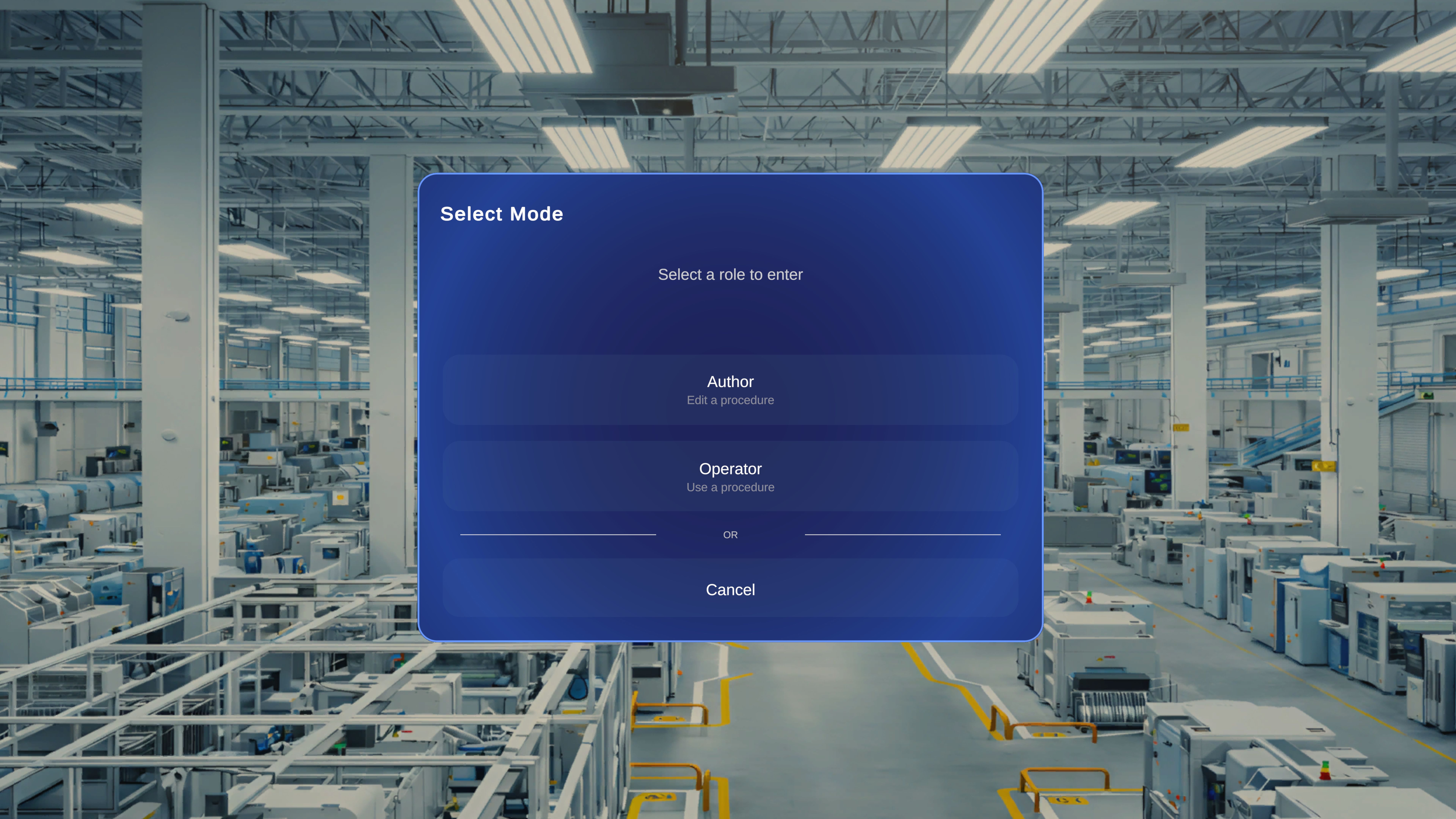
The Select Mode dialog appears after you choose a procedure from the Procedures page. It allows you to select how you want to interact with the selected procedure. You can enter the procedure in one of two roles:- Author – Edit a procedure
- Operator – Use a procedure
Why Operator Mode Is Used
Operator Mode exists to separate procedure creation from procedure execution. This separation ensures:- Content integrity
- Controlled workflow
- Reduced risk of accidental changes
- Standardized operational execution