

Overview
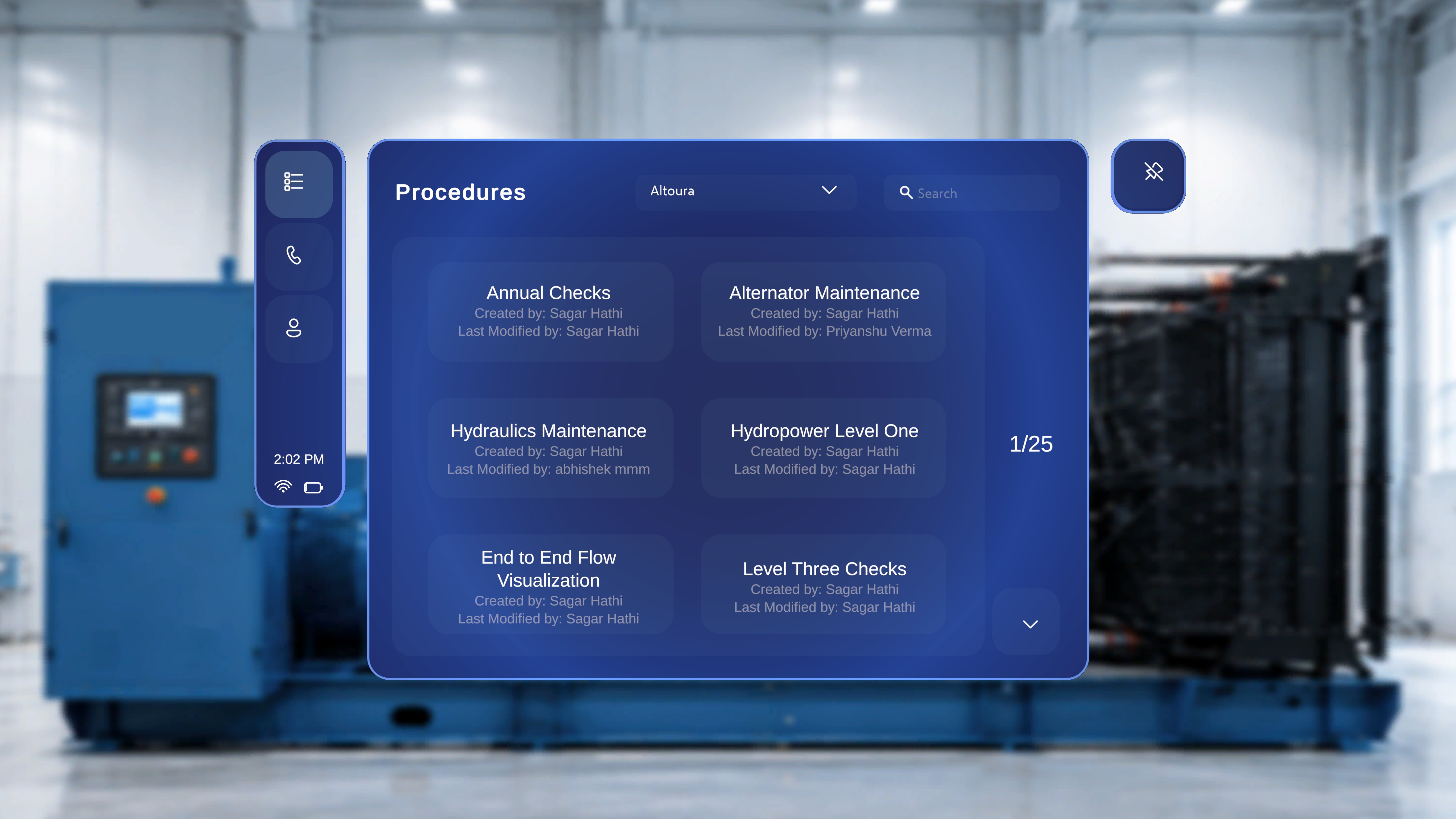
The Procedures page provides a centralized view of all available procedures within the selected organization. It allows you to:- View procedure names and ownership details
- Filter procedures by organization
- Search for specific procedures
- Navigate through the available list
When to Use This Feature
Use the Procedures page when you need to:- Find a specific procedure by name
- Review procedures created or modified by a specific user
- Switch between organizations to view different procedure sets
- Browse available procedures within your current organization
Access the Procedures Page

Step-by-Step Instructions
- Select the top icon in the left-side navigation menu (list icon).
What Happens Next
The system opens the Procedures page and displays the list of available procedures for the currently selected organization.View Procedures
Each procedure is displayed as a card containing:- Procedure name (for example, Air Filter Replacement)
- Created by information
- Last Modified by information
How to Search for a Procedure?
Step-by-Step Instructions
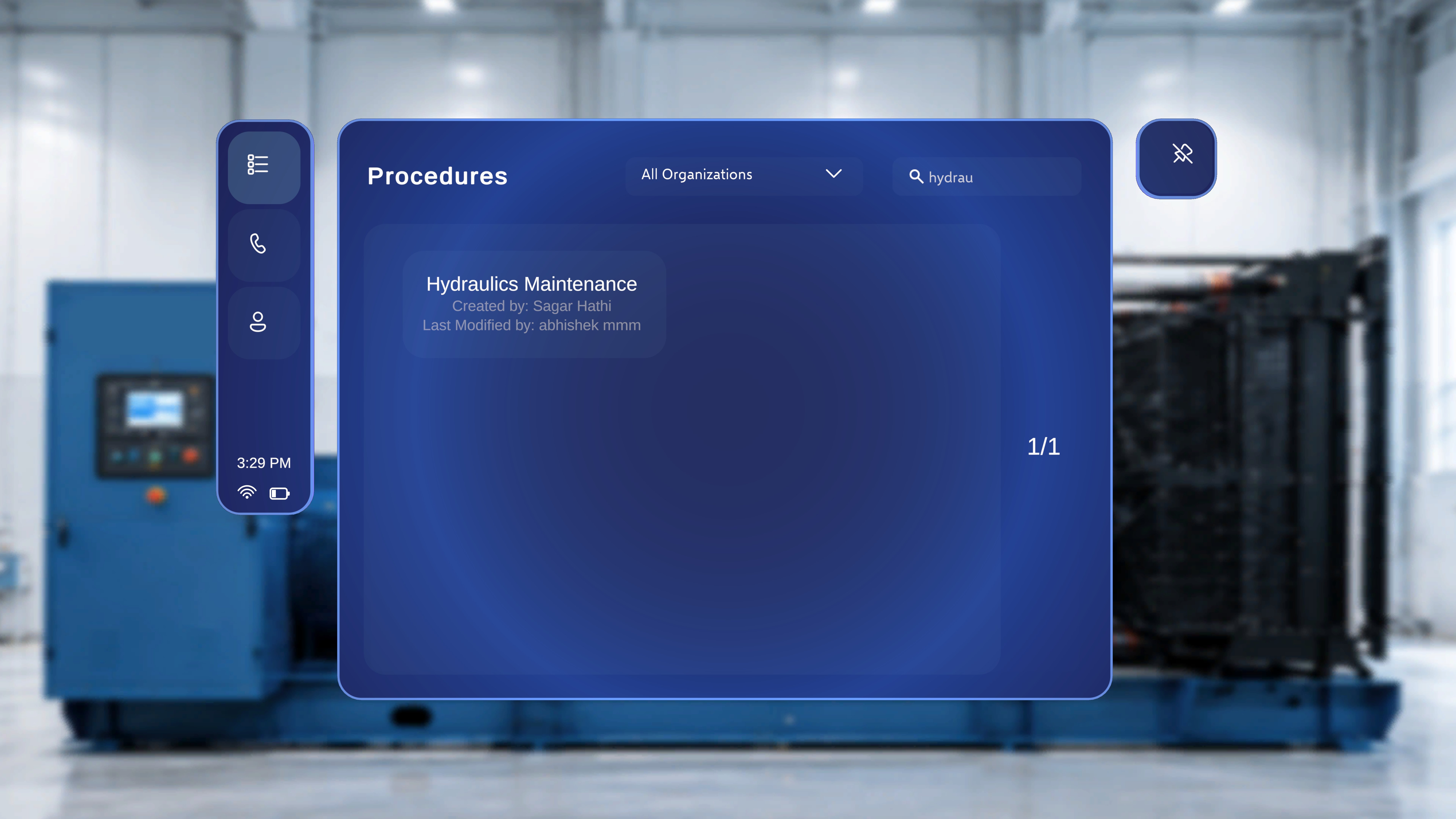
- Click the Search field in the top-right area of the page.
- Enter a procedure name or keyword.
What Happens Next
The system filters the procedure list and displays only procedures that match your search criteria. For example, entering Air shows procedures that contain “Air” in the title. The results count updates accordingly (for example, 1/1).Filter Procedures by Organization
Use the organization dropdown to switch between procedure groups.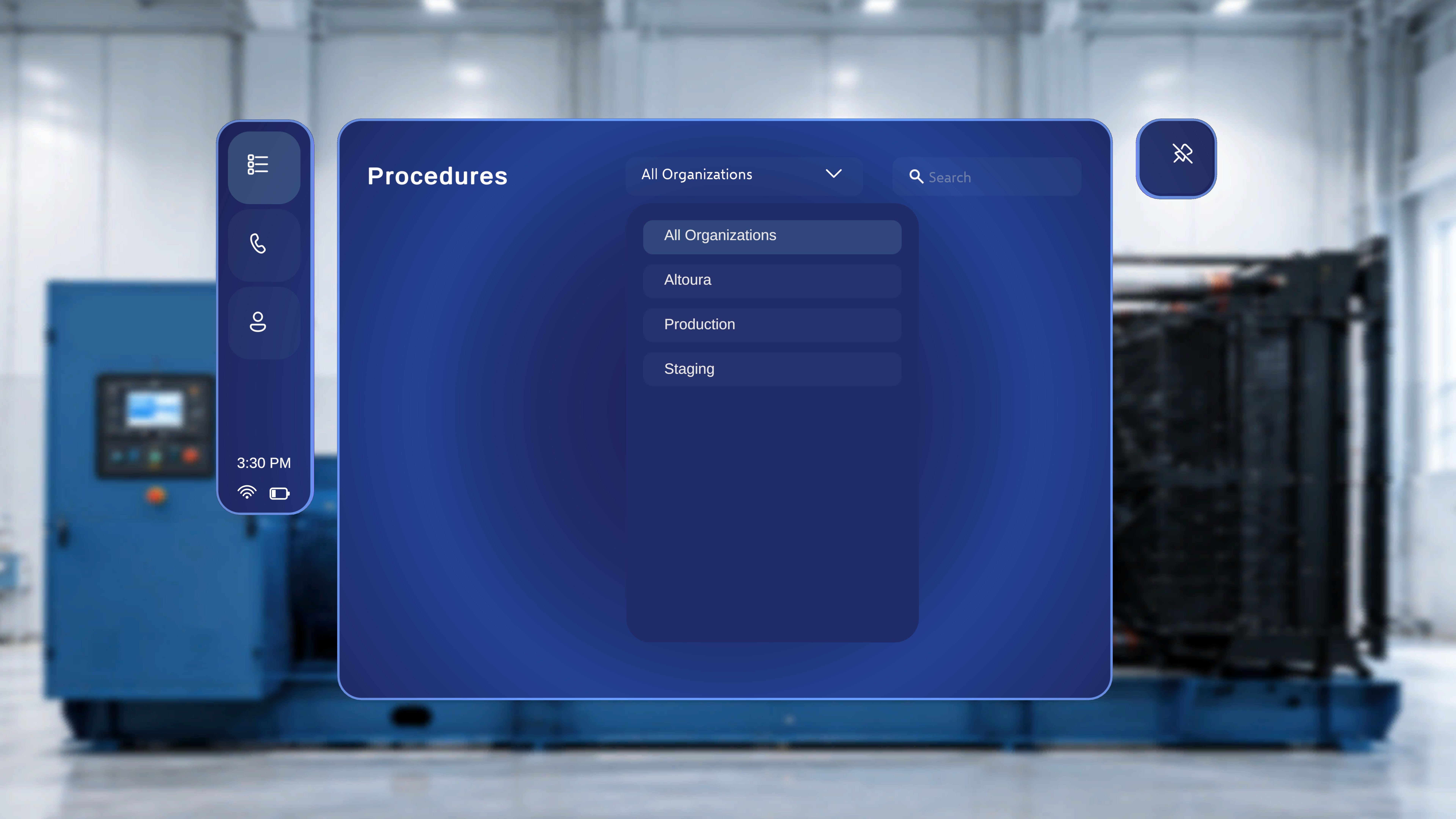
Step-by-Step Instructions
- Click the organization dropdown at the top of the page (for example, Altoura).
- Select one of the available options for example:
- All Organizations
- Altoura
- Production
- Staging