

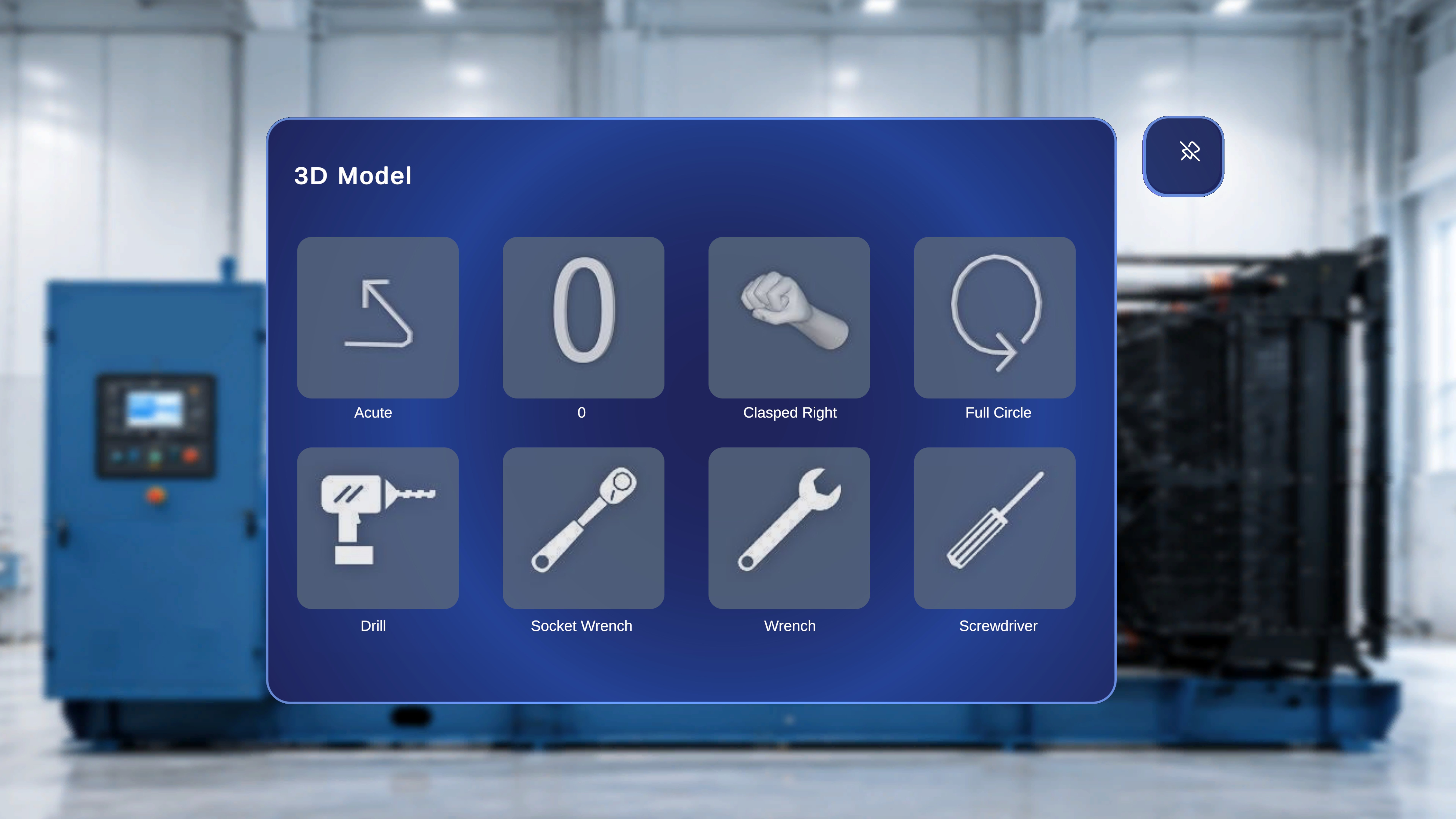
Overview
In Operator Mode, the 3D Model Panel is not available. Operators cannot spawn new models or modify model settings. However, any 3D models that were placed and configured during Author Mode appear in the environment exactly as authored. Model behavior in Operator Mode is fully controlled by the configuration defined during authoring.Model Visibility
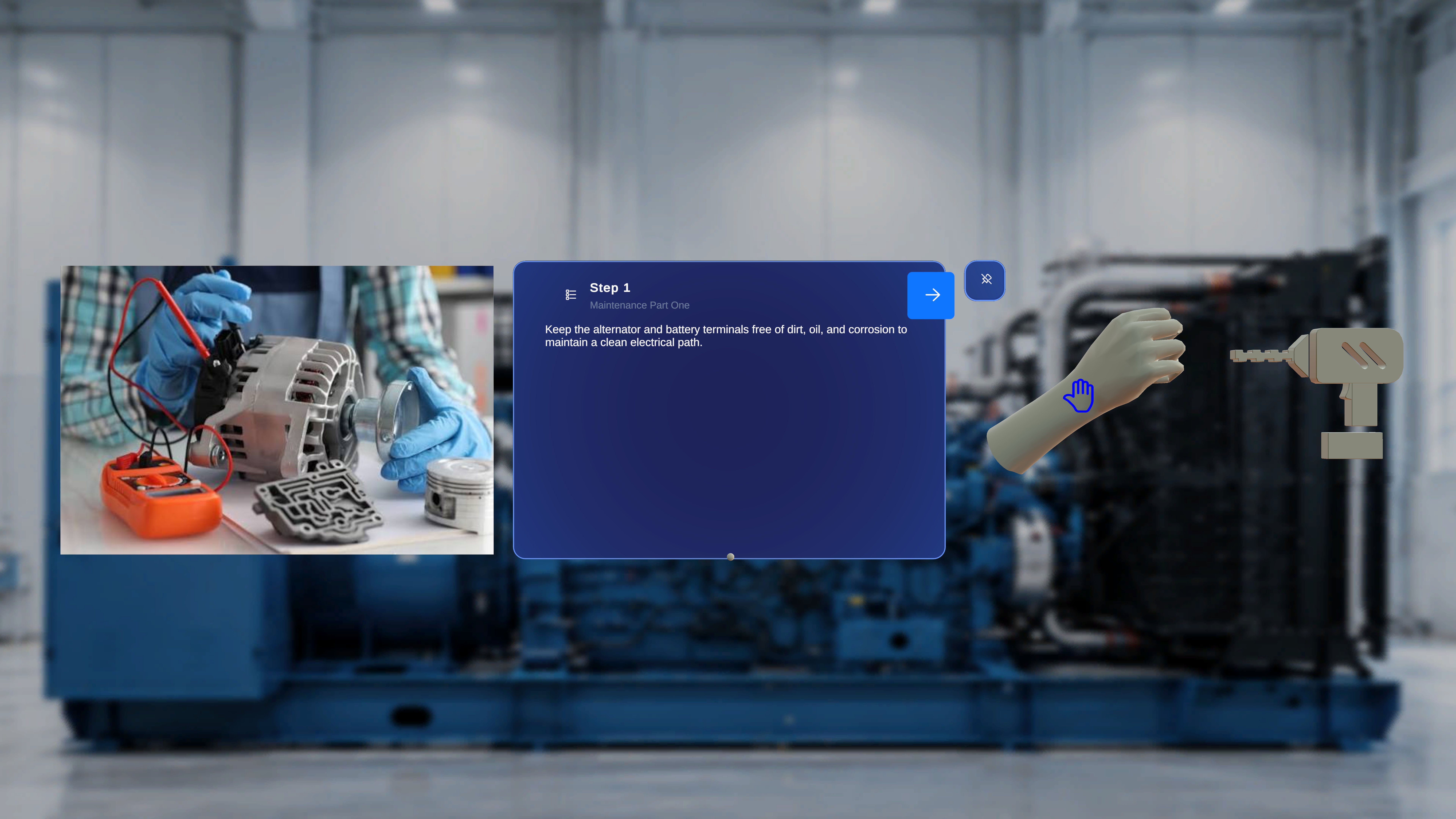
- The model appears in the physical space at its saved position.
- The model is anchored relative to the confirmed QR position.
- The model remains step-specific.
- No 3D models appear in that step.
Interaction Behavior
Interaction with 3D models depends entirely on Author Mode settings.Interactable Disabled
If Interactable was turned off during authoring:- The operator can see the model.
- The operator cannot move or manipulate it.
- The model remains fixed at its authored position.
Interactable Enabled
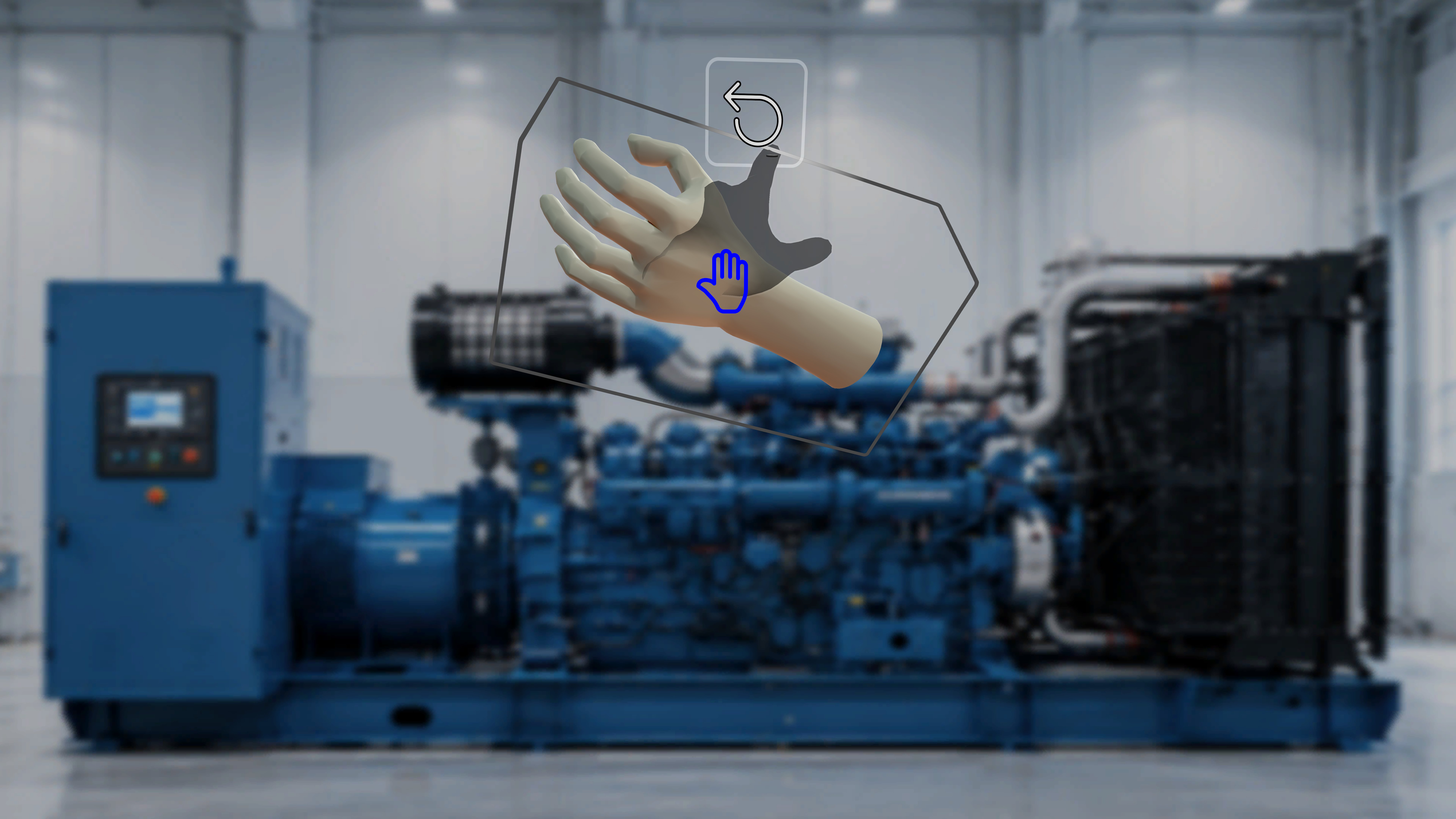
- The operator can grab and move the model.
- The model can be repositioned in physical space.
Interactable Ghost Enabled
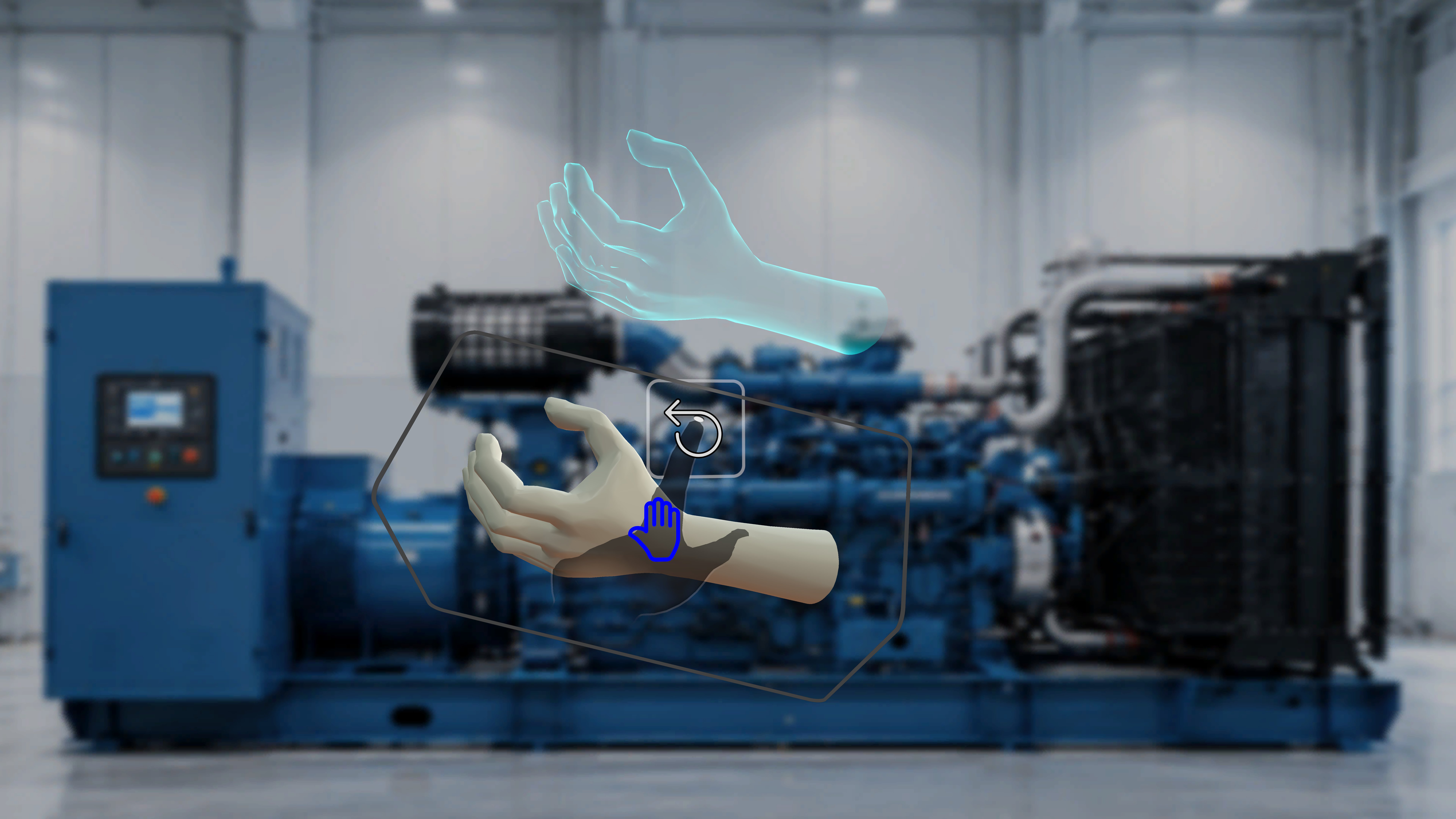
- When the operator moves the model,
- A shadow remains at the original authored position.
- This provides a visual reference for the intended placement.
- No shadow appears.
- Only the moved model is visible.
Animation Behavior
If animation (Takes) was configured during authoring:- The model plays according to the defined animation settings.
- Playback mode (Loop, Once, Ping Pong), direction, and speed follow author-defined configuration.
- Operators cannot modify animation behavior.
- The model remains static.
Step-Based Model Behavior
3D models are step-specific. When navigating between steps:- Only models attached to the active step are shown.
- Models from other steps are not visible.
- Interaction rules continue to follow the original configuration.