

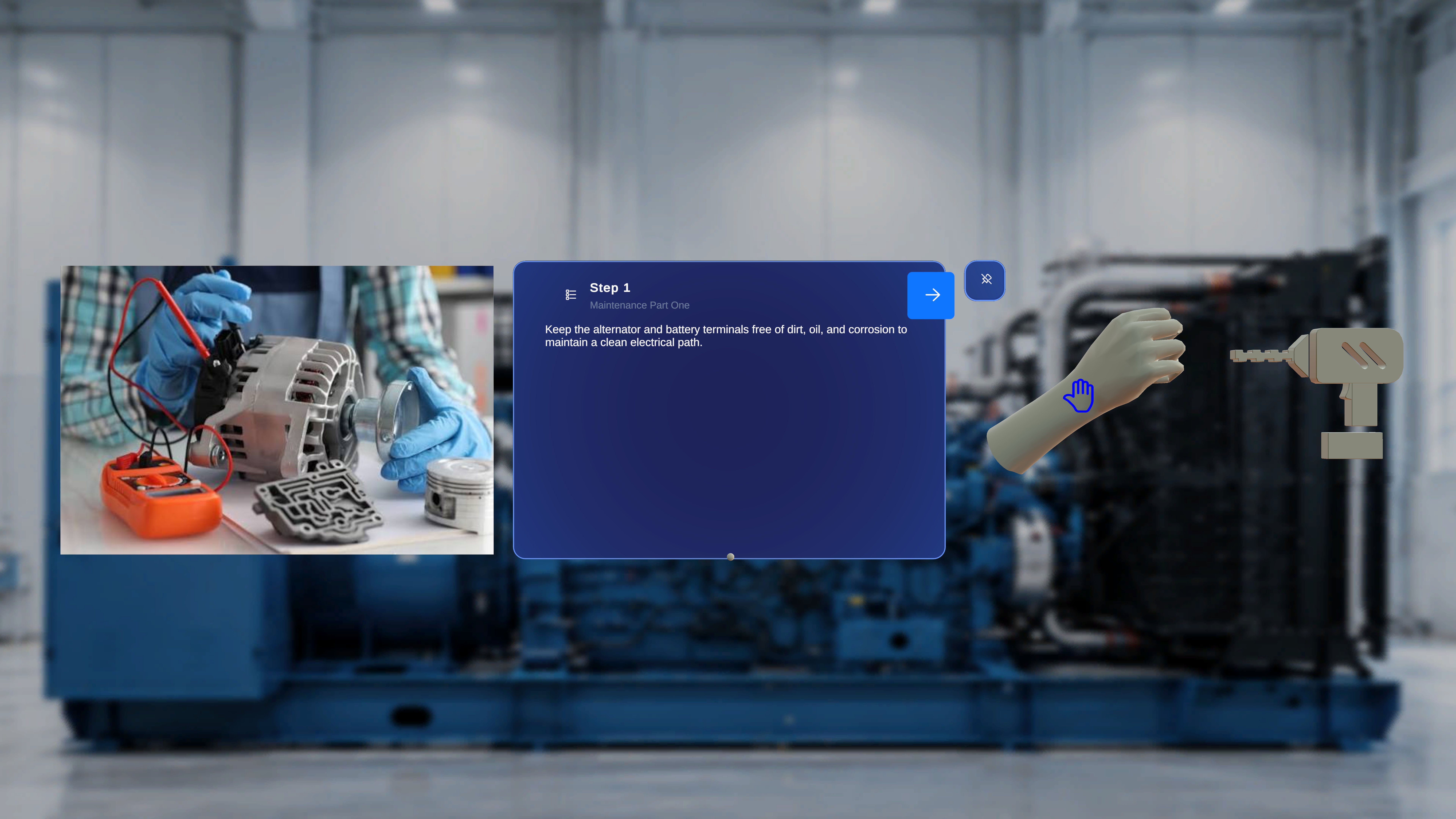
Overview
In Operator Mode, 3D model behavior is entirely governed by configuration defined in Author Mode. Operators cannot modify:- Interactability
- Ghost behavior
- Animation settings
- Playback speed or direction
1. Interactable
Definition
The Interactable setting determines whether a 3D model can be manipulated by the operator during execution. This setting is configured in Author Mode at the model level.Configuration in Author Mode
In Author Mode:- The author selects a model.
- Enables or disables the Interactable toggle.
Behavior in Operator Mode
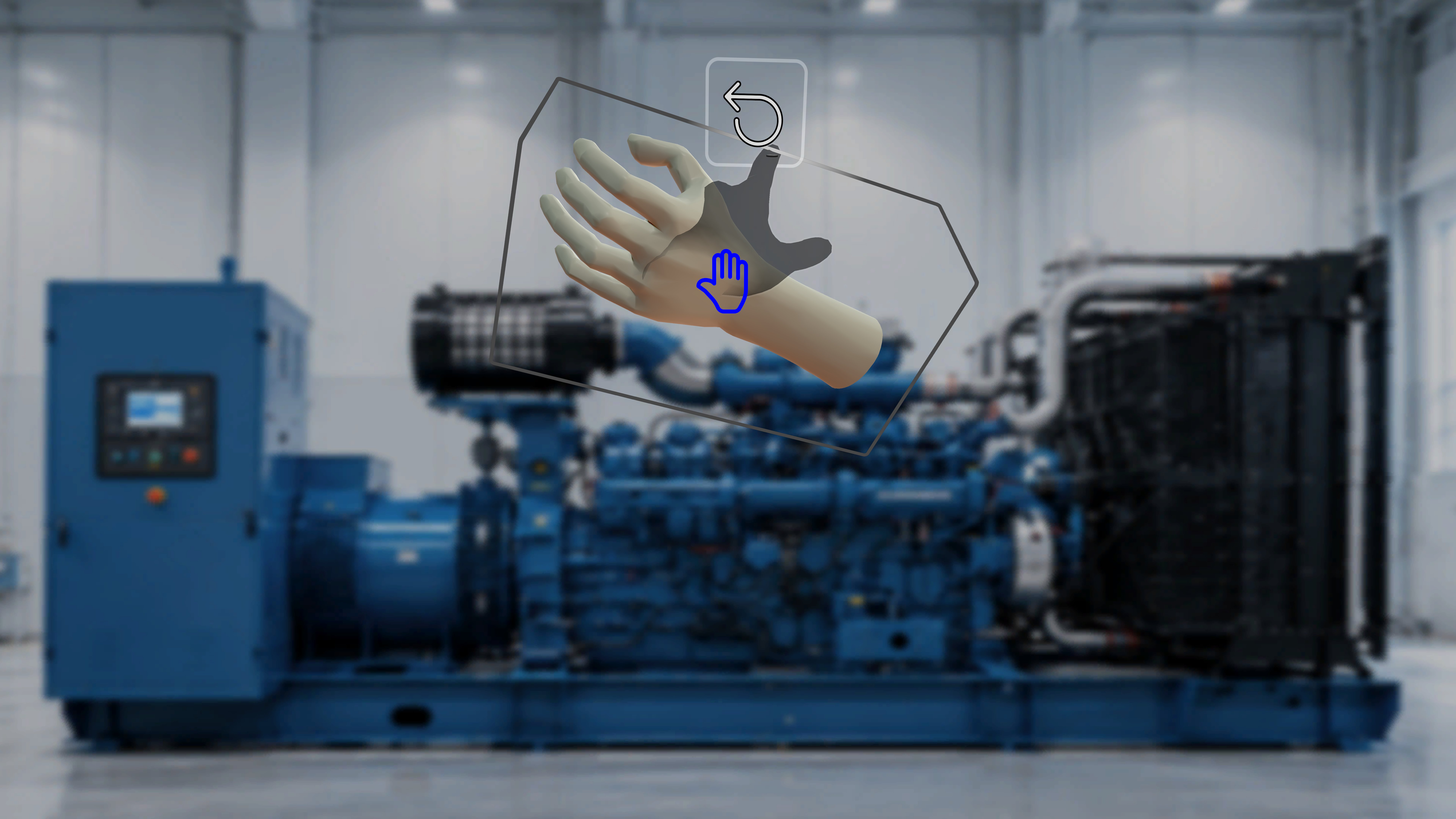
If Interactable = Disabled
- The model appears in its authored position.
- The operator cannot grab, move, or reposition the model.
- The model remains fixed in space.
- The model functions as a visual reference only.
If Interactable = Enabled
- The operator can grab and move the model.
- The model can be repositioned in physical space.
- Movement affects only the current session.
- The original authored configuration is not permanently modified.
Important Notes
- Operators cannot toggle Interactable on or off.
- Interactable behavior is enforced exactly as defined during authoring.
- Interactable is evaluated per model, per step.
2. Interactable Ghost
Definition
Interactable Ghost provides a visual reference to the model’s original authored position after it has been moved in Operator Mode. This setting depends on Interactable being enabled.Configuration in Author Mode
In Author Mode:- Ghost can only be enabled if Interactable is enabled.
- If Interactable is disabled, Ghost is automatically unavailable.
- Ghost is configured per model.
Behavior in Operator Mode
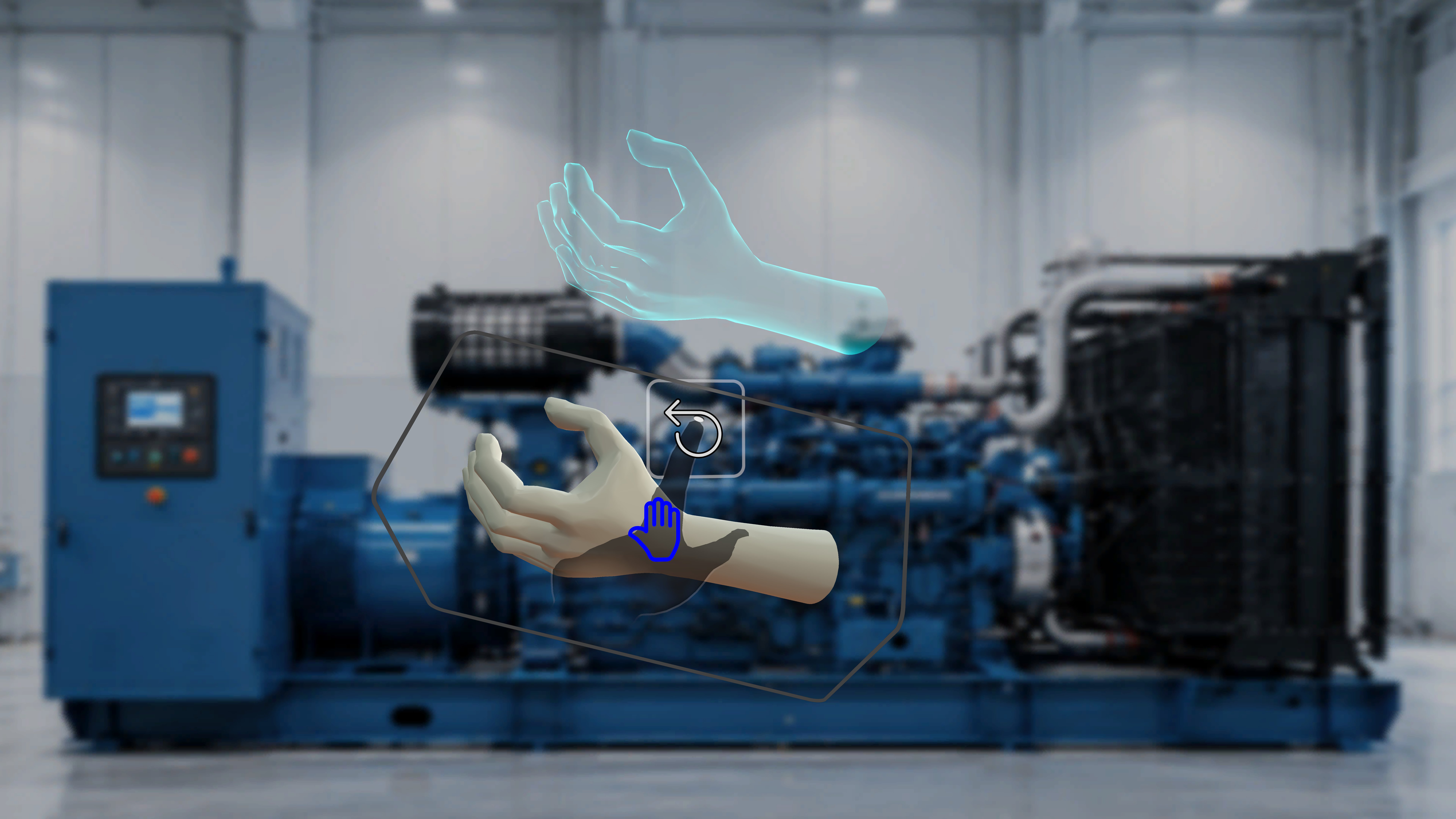
If Interactable = Enabled and Ghost = Enabled
- When the operator moves the model:
- A shadow or ghost remains at the original authored position.
- The ghost indicates the intended placement.
- The moved model and the ghost are both visible.
If Interactable = Enabled and Ghost = Disabled
- The model can be moved.
- No ghost appears.
- Only the relocated model is visible.
If Interactable = Disabled
- Ghost behavior does not apply.
- The model cannot be moved.
- No ghost is shown.
Functional Relationship
The dependency chain is: Interactable must be enabled → Ghost can be enabled If Interactable is turned off in Author Mode: → Ghost is automatically inactive in Operator Mode.3. Animation (Takes)
Definition
Animation (Takes) controls playback behavior of animated 3D models. Animation settings are configured entirely in Author Mode.Configuration in Author Mode
Authors can configure:- Animation enabled or disabled
- Selected Take (if multiple exist)
- Playback mode:
- Loop
- Once
- Ping Pong
- Direction
- Playback speed (e.g., 0.5x, 1x, 2x, etc.)
Behavior in Operator Mode
In Operator Mode:- The animation plays automatically according to the defined configuration.
- Playback mode, direction, and speed are fixed.
- The operator cannot:
- Change the animation take
- Modify playback mode
- Adjust speed
- Pause or resume animation (unless otherwise configured; not shown in UI)
- The model remains static.
Step-Level Behavior
Animation is evaluated per model, per step. When navigating between steps:- Only animations attached to the active step are active.
- Models in other steps are not visible.
- Animation configuration persists exactly as authored.