

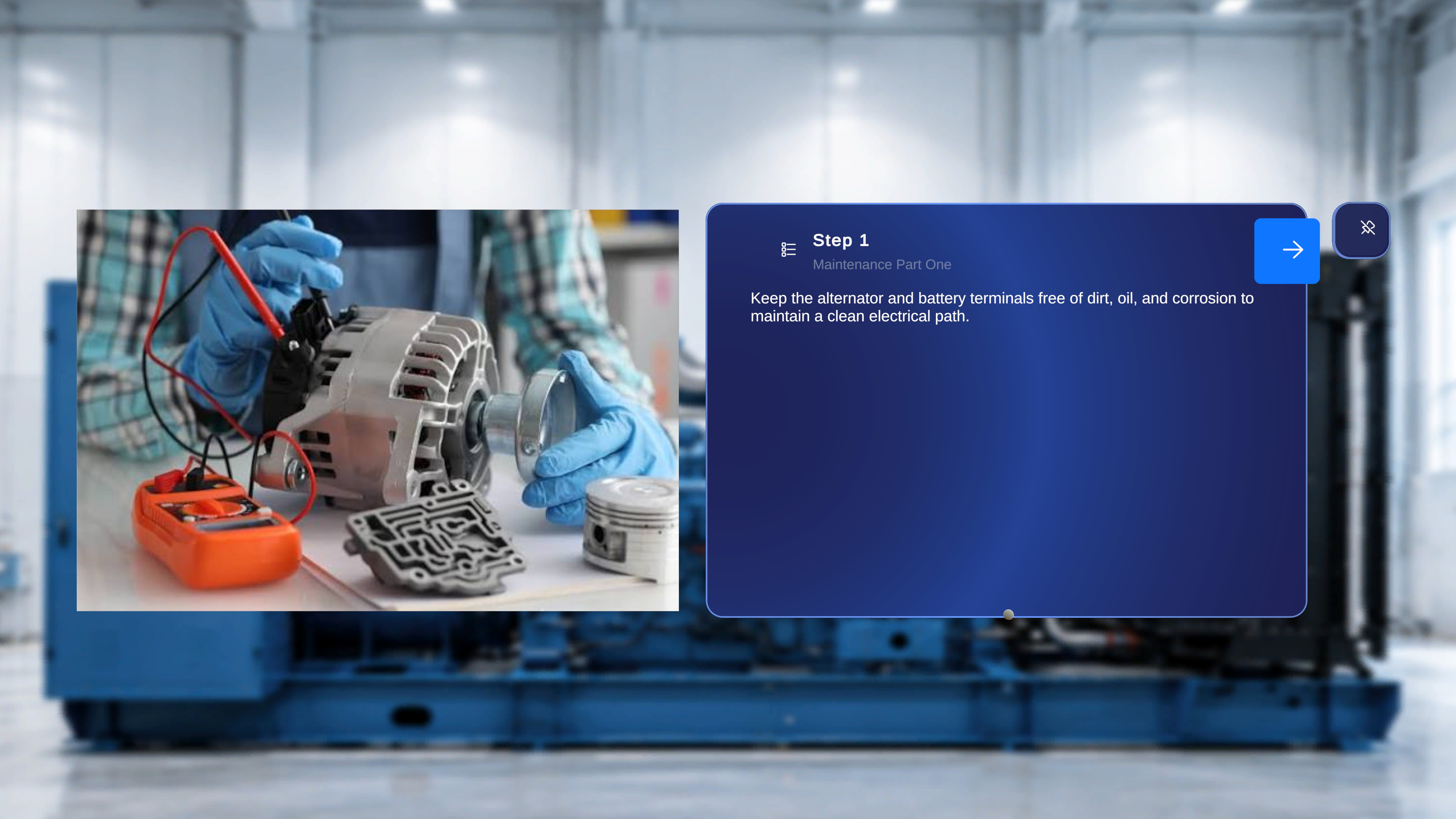
Overview
Operator Mode is designed for executing procedures exactly as authored. It provides a simplified interface focused on task completion. Editing capabilities, model configuration, and structural controls are not available in this mode. Operator Mode ensures that procedures are followed consistently and without modification.Panels in Operator Mode
When inside a procedure in Operator Mode, the interface consists of two primary panels:- Step Main Panel
- Media Panel (Conditional)
1. Step Main Panel
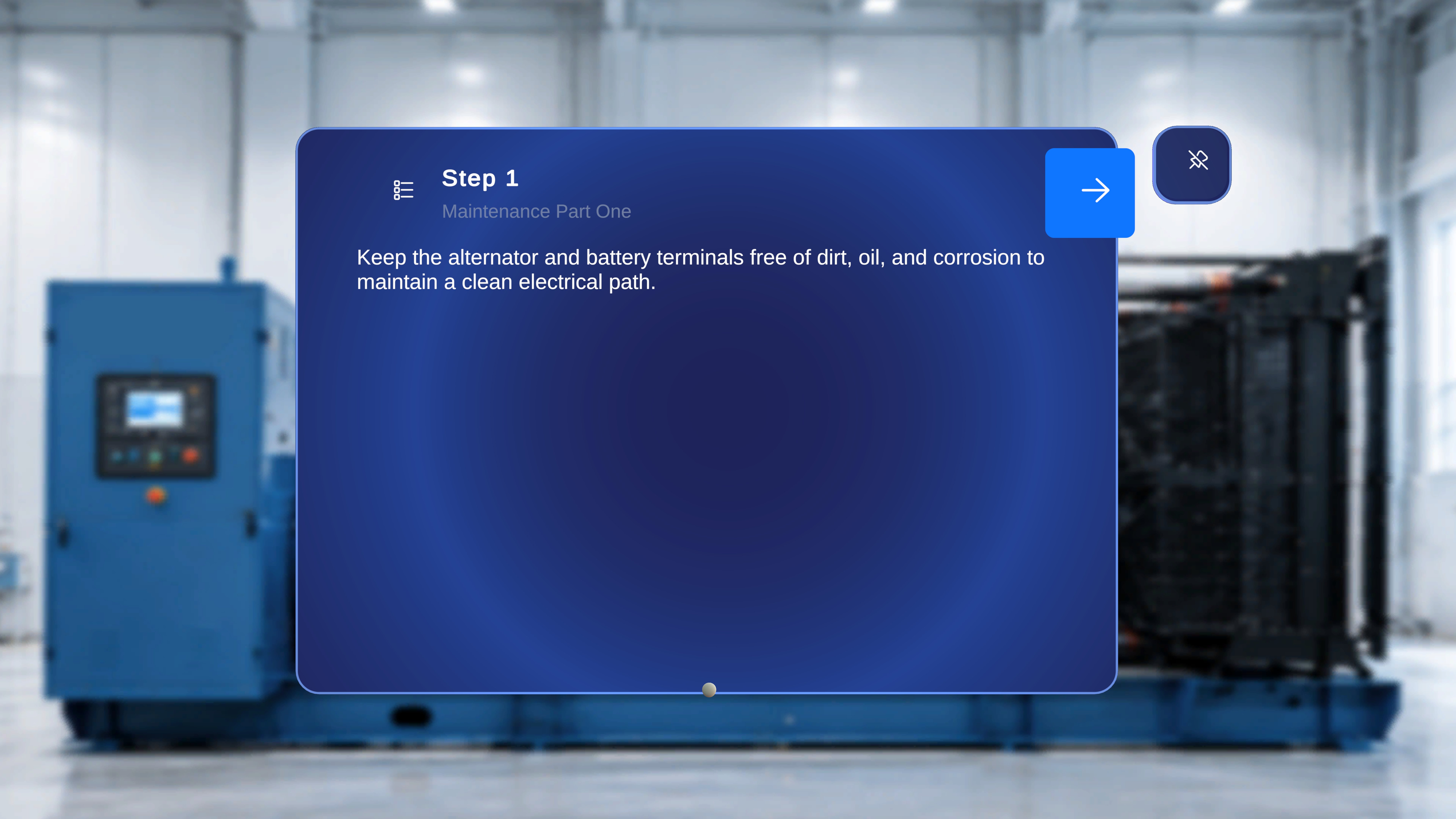
- Step number
- Task title
- Step description
- Navigation controls (Next / Back, if applicable)
- Step List icon for direct navigation
- Thread anchor indicator (if configured for that step)
- Sequential navigation
- Direct step navigation through the Step List
- Branching behavior in Choice Steps
- Completion confirmation when reaching a Completion Step
2. Media Panel (Conditional)
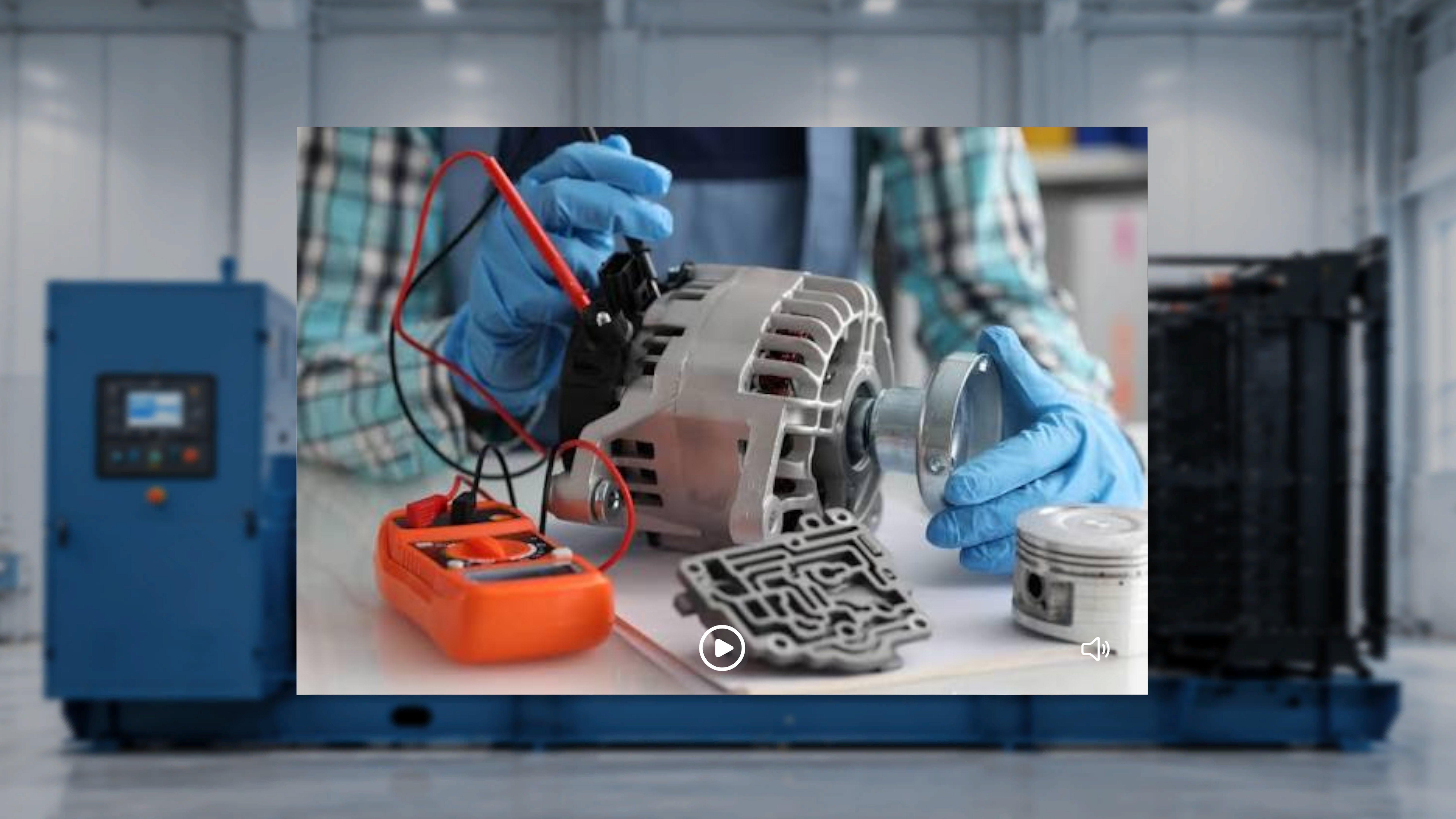
- The image is displayed.
- The video auto-plays when the step is entered.
- The video plays in a loop.
- The operator can pause, resume, mute, or unmute playback.
- The Media Panel does not appear.
3D Models in Operator Mode
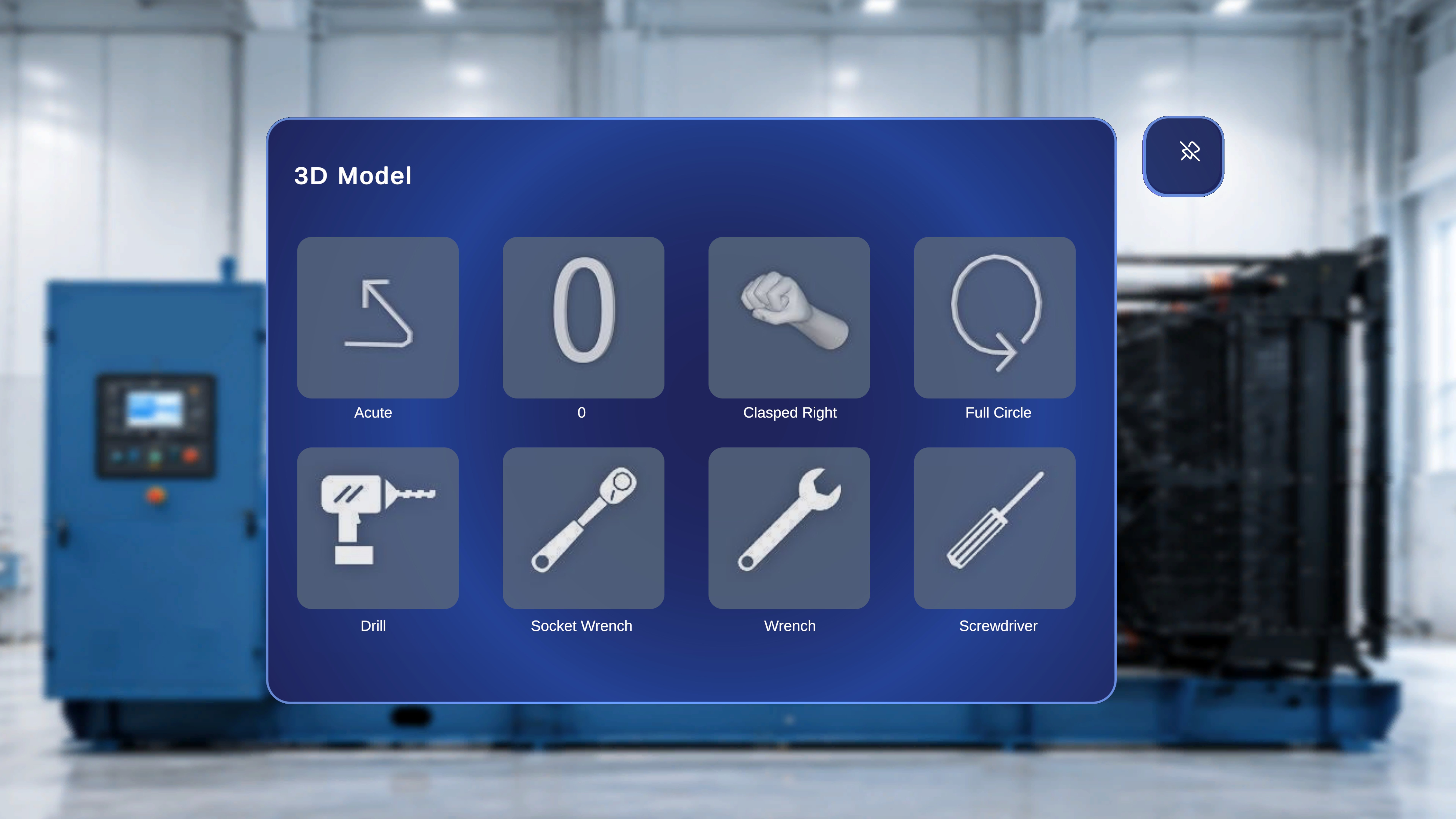
- Any 3D models placed during authoring appear in their saved positions.
- Interaction depends on author configuration:
- If Interactable is disabled, the model is view-only.
- If Interactable is enabled, the operator can reposition the model.
- If Ghost is enabled, a shadow remains at the original position when moved.
- Animation plays according to author-defined settings.