

On a move step, you grab an object and carry it to its target place. In Practice mode, the target place is highlighted (green by default). See Interacting with Objects. Some move steps add rules about how you can handle the object and how it must be placed.
The step checks the object while you're holding it. When the object is placed correctly, the step completes and the object snaps into place. If you let go before that, grab the object again to carry on.
Manipulation Constraints
With manipulation constraints, the object can only move, turn and resize in certain ways while you carry it. Each rule applies to individual axes (X, Y and Z).
| Rule | What you notice |
|---|---|
| Freeze Position | The object doesn't move along the frozen axes. For example, it slides along the table but doesn't lift up. |
| Freeze Rotation | The object doesn't turn around the frozen axes. For example, it stays upright and doesn't tilt. |
| Allow Scale | The object can't be resized, except along the axes the step allows. |
Move your hand or controller as usual. The object follows only in the ways it's allowed to.
Requires Precise Positioning
Without Requires Precise Positioning, the step completes as soon as the object touches the target place. With it, touching isn't enough. Put the whole object inside the target place.
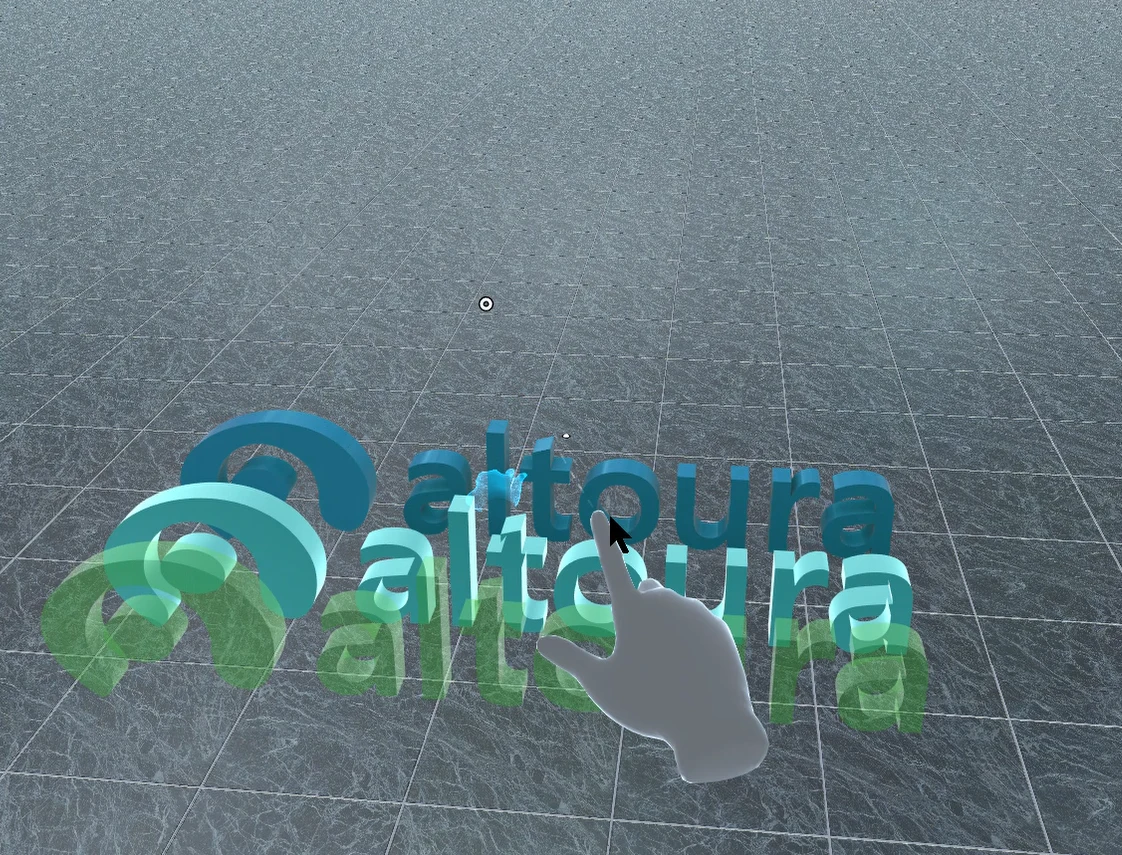
Axis Alignment
With Precise Positioning, the step can also use Axis Alignment. The object must then line up with the target on the selected axes, so it faces the right way.
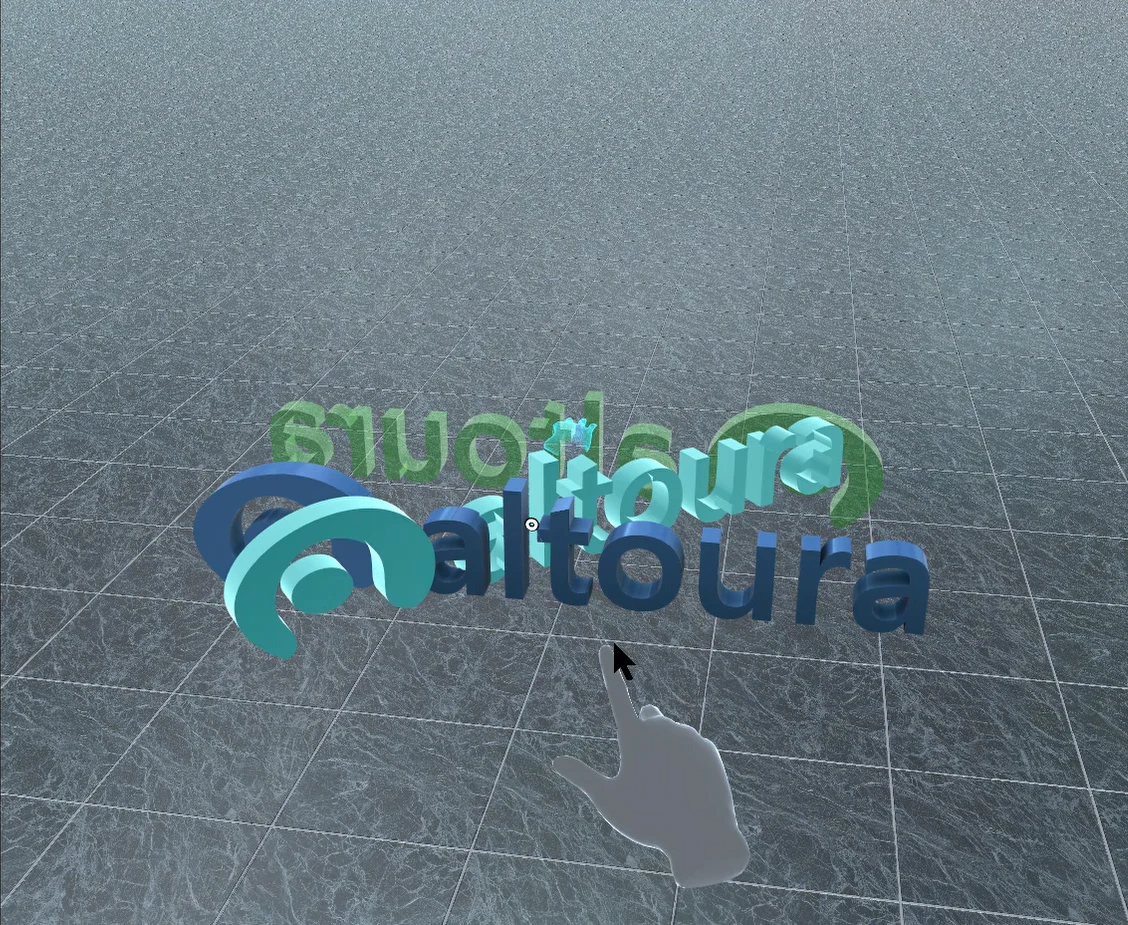
- If the object is inside the target but turned the wrong way, an error sound plays. It keeps repeating every few seconds until you line the object up and the step completes.
- Turn the object until it matches the target on those axes, within about 30 degrees. The step then completes.
- In Practice mode, if the step shows a ghost, it turns to show which way the object should face.
For Creators
These options are in the Move event's Interaction Settings:
- Requires Precise Positioning, which reveals Axis Alignment.
- Enable Manipulation Constraints, with Freeze Position, Freeze Rotation and Allow Scale for each axis.
Configure the object to move, its destination and its Interaction Settings.