

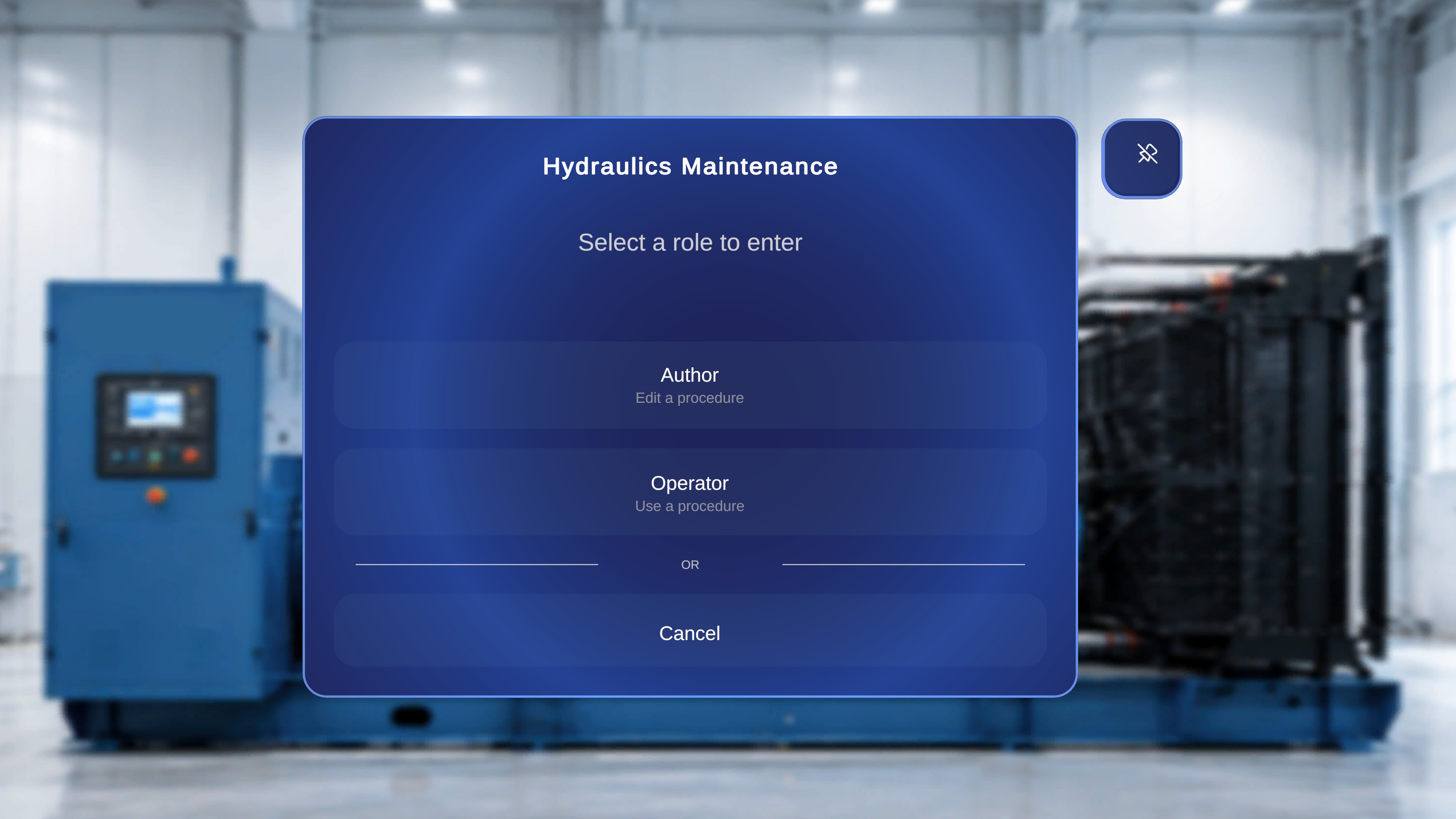
User Role Mode

Overview

The Select Mode dialog appears after you choose a procedure from the Procedures page. It allows you to select how you want to interact with the selected procedure. You can enter the procedure in one of two roles:
  • Author – Edit a procedure
  • Operator – Use a procedure
This ensures you access the procedure with the appropriate level of interaction, The below details would be covered for Author Modes.

When to Use This Feature

Use the Author Mode when you need to:
  • Modify or update an existing procedure.

What Happens Next, user will be taken to the QR Anchoring Flow

After selecting Author mode, you must scan a QR code to anchor and enter the procedure. The system first displays a QR scan instruction panel. Once scanning is initiated, the camera interface appears. After a QR code is detected, you must confirm the anchor before proceeding. Access to the procedure is granted only after successful confirmation.