

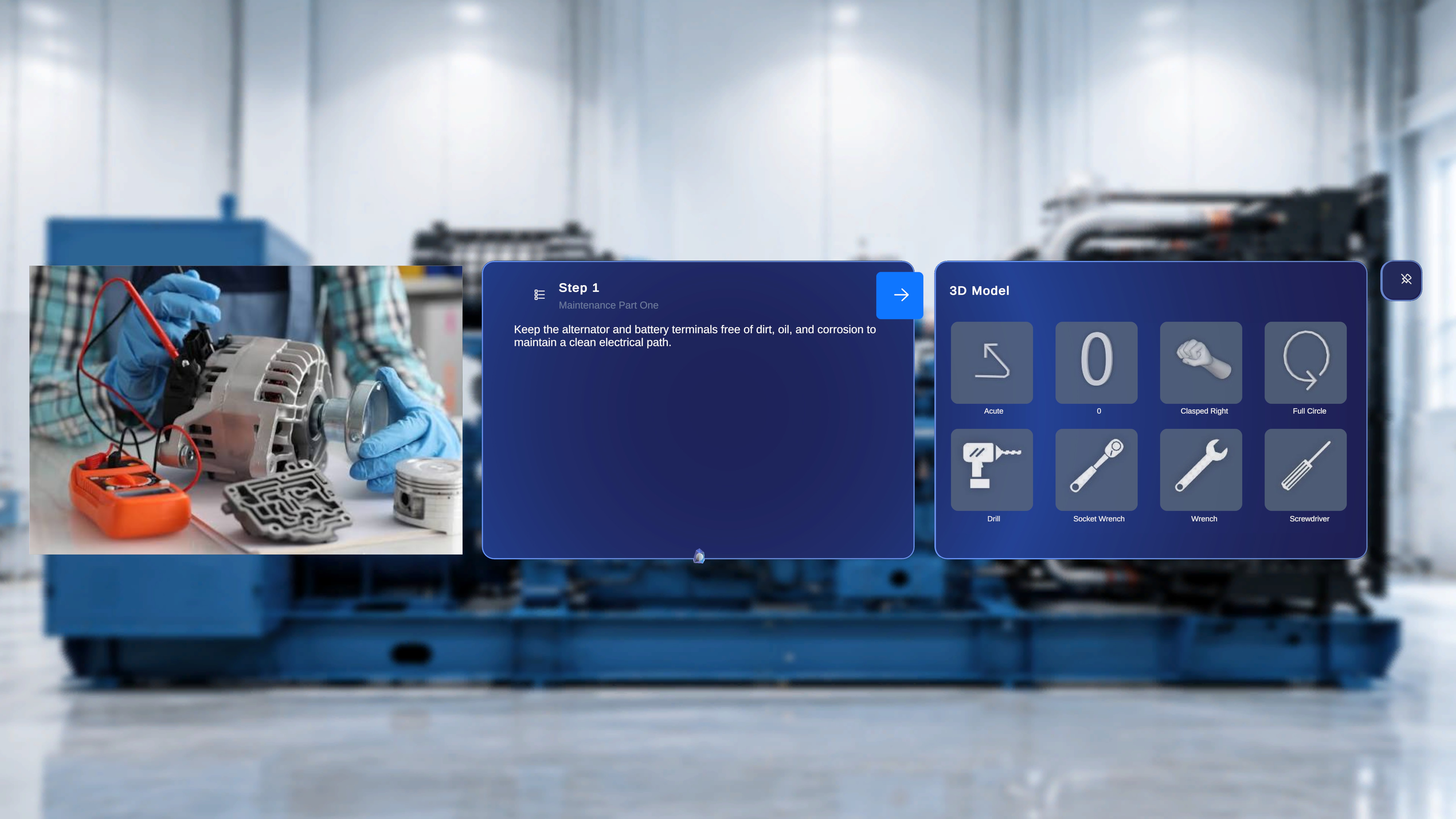
Overview
After you scan and confirm the QR code, the selected procedure opens in the chosen mode. The procedure view displays step-specific content and interactive elements that were configured during procedure creation in the web editor. Each step may include:- Task title , Step Numbering and description
- Attached media (image or video)
- Attached 3D (GLB) models
When to Use This Screen
You use this screen to:- Follow operational instructions step by step
- Interact and author 3D models anchored in physical space
- View supporting images or videos attached to the current step
Step Panel
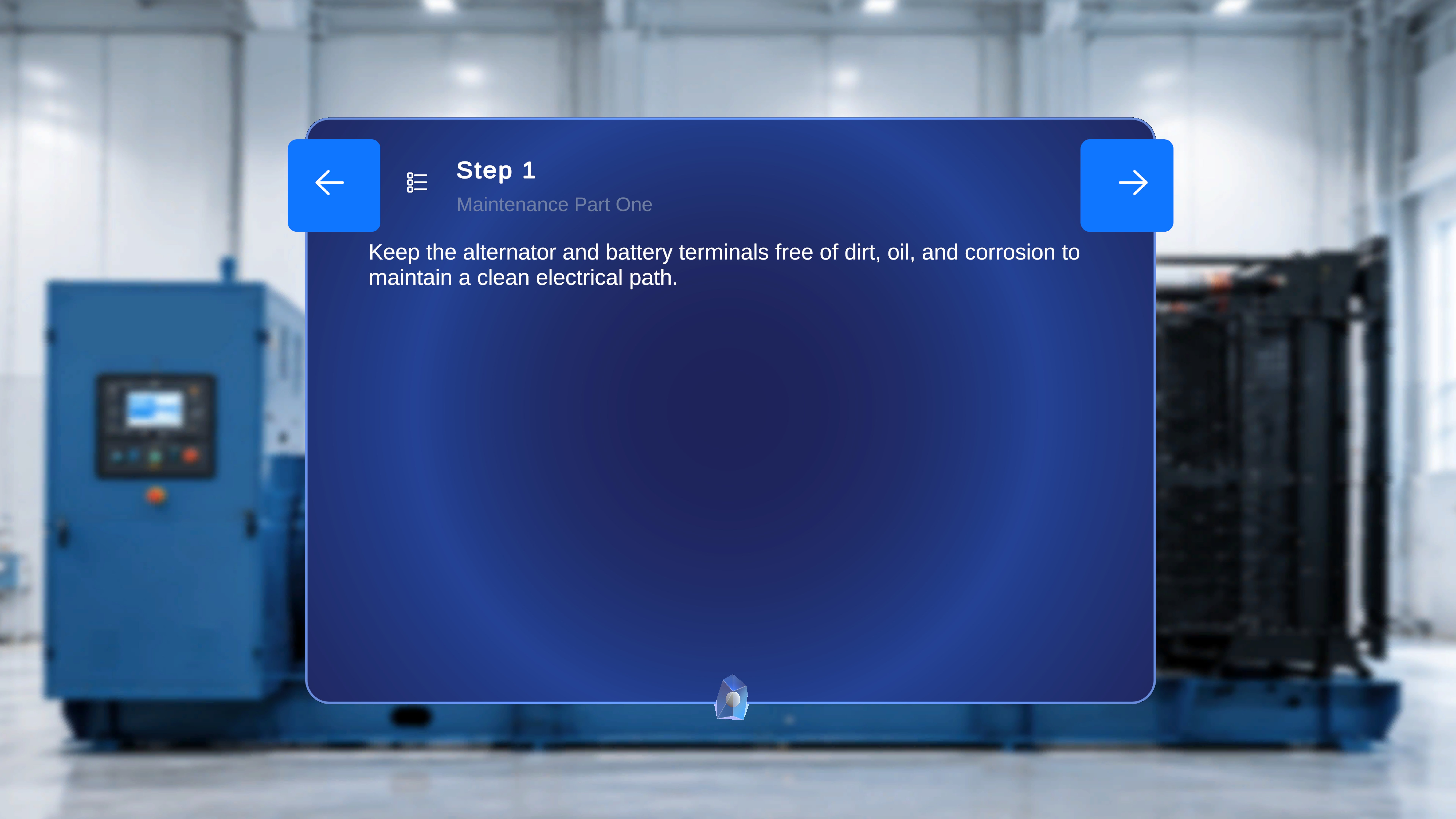
- Step number (for example, Step 1)
- Task title (for example, Air Filter Assembly)
- Step description text
- A Back & Next Button on the Step Panel to navigate forward and backward.
Media Panel (Conditional)
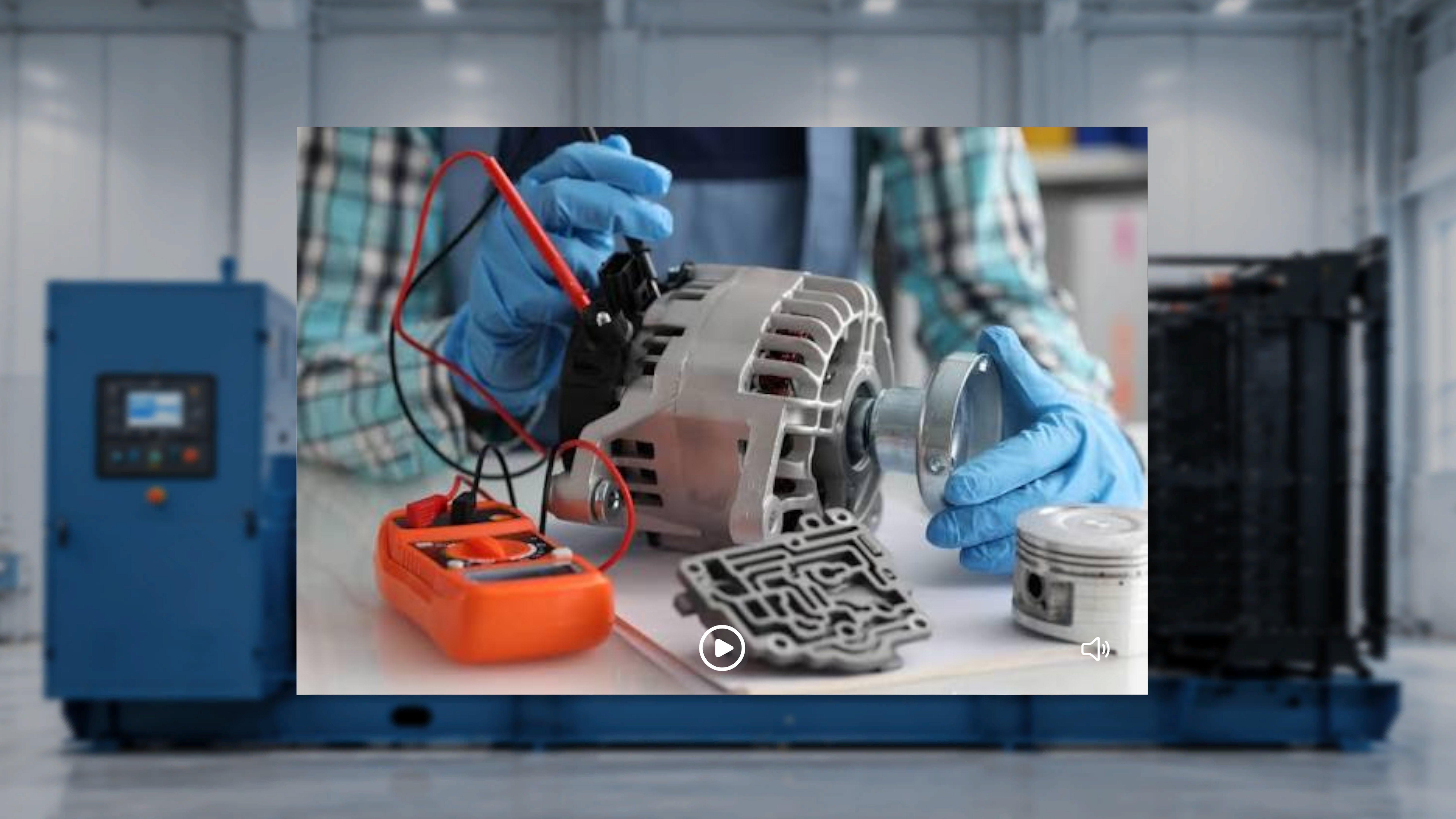
- The media panel does not appear.
3D Model Panel
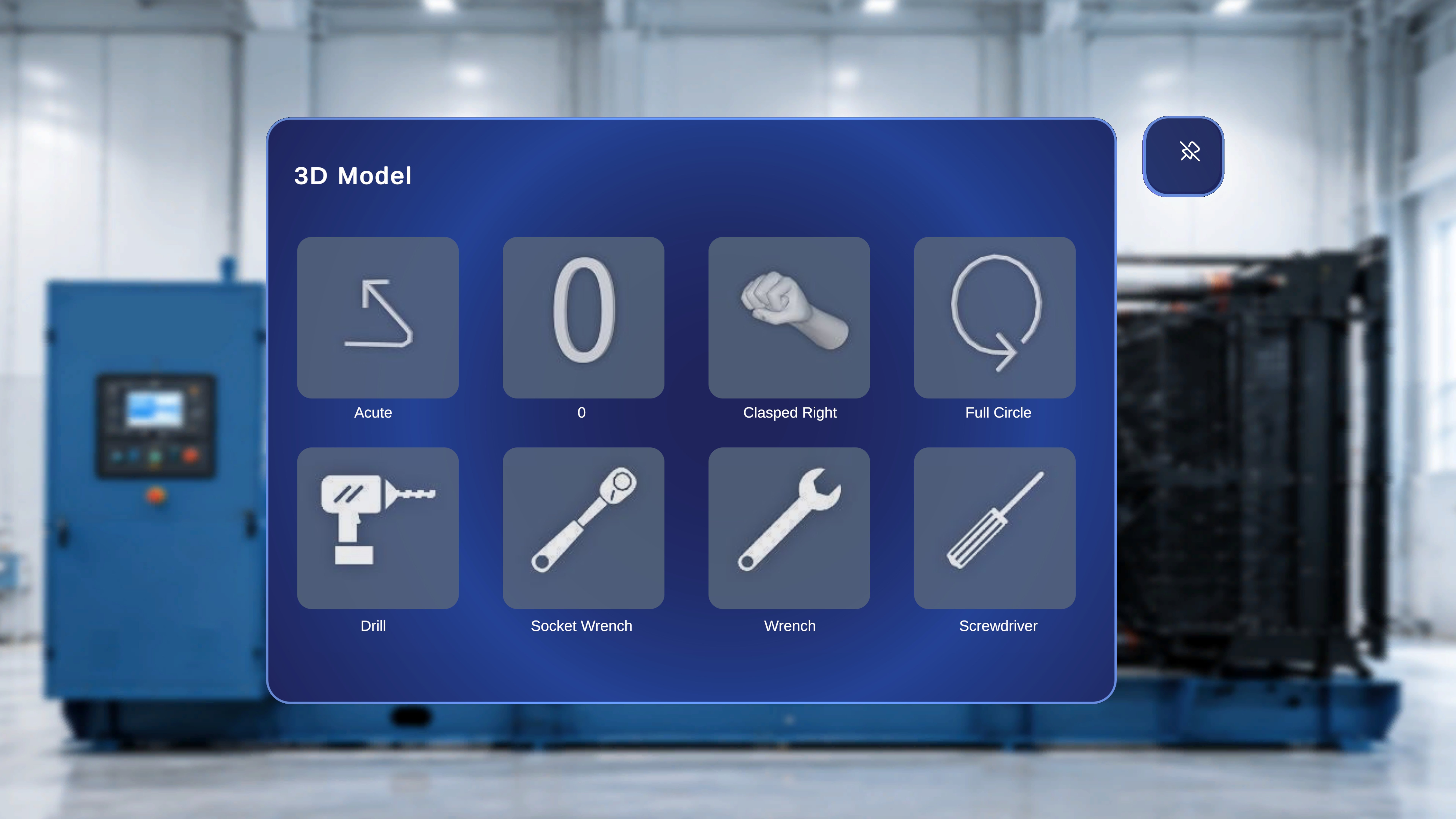
- Acute
- Screwdriver
- Wrench
- Bolt
- Drill
- Grab Right
- Pointing Right
- Quarter Circle
3D Model Behavior
- Only models attached to the current step are displayed.
- If multiple models were attached, multiple tiles appear.
- If no models were attached, the tiles may appear empty.
How Content Is Determined
The content shown in this view is controlled by the procedure configuration created in the web editor. For each step:- Media appears only if attached.
- 3D models appear only if attached.
- If nothing was attached, the corresponding area may be hidden or empty.