

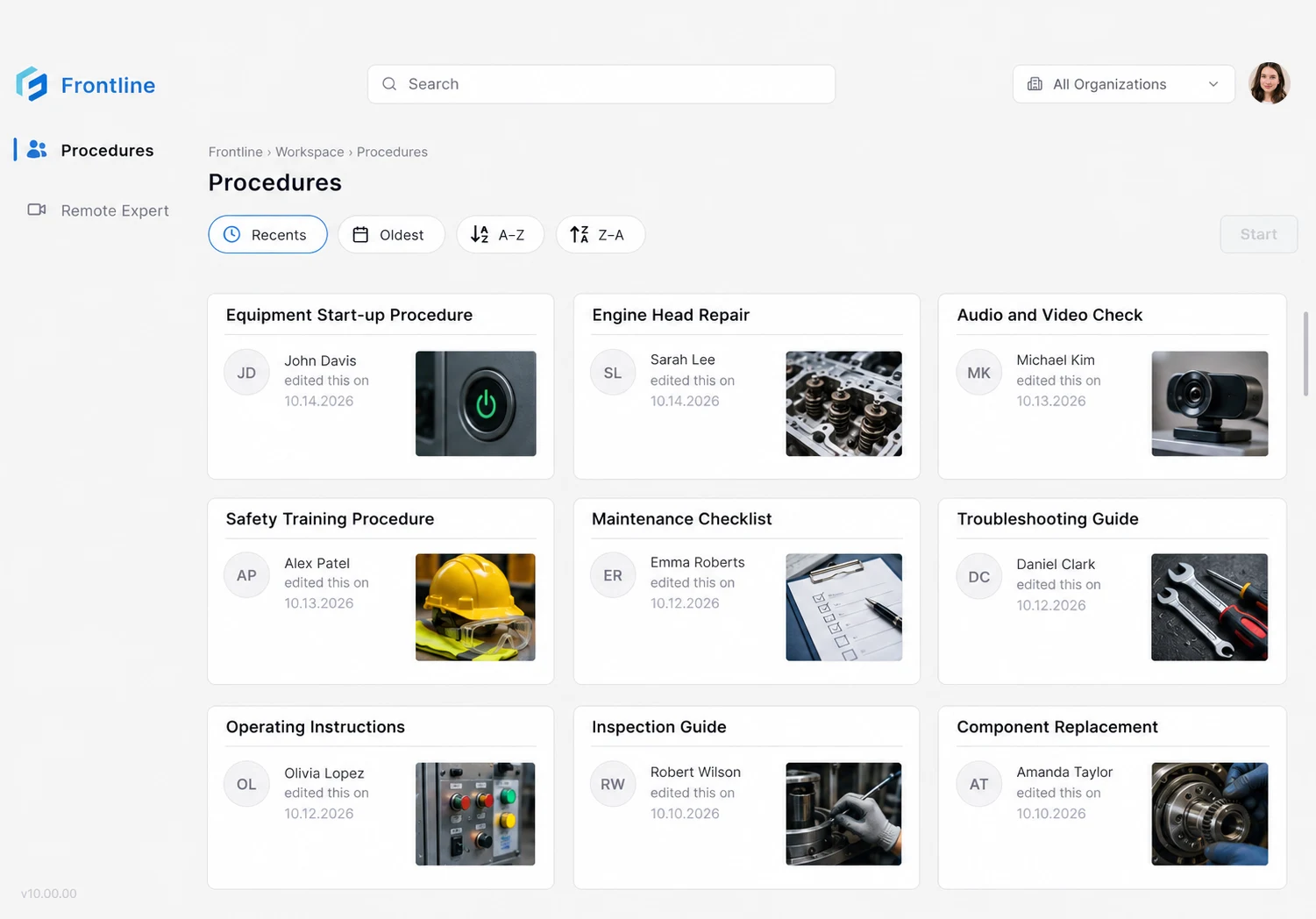
The Altoura Frontline iPad app puts guided procedures and live expert collaboration on a handheld device. Field workers follow step-by-step instructions with camera-based augmented reality (AR), 3D models, images, and video. Authors place and configure 3D content directly in the workspace. When you need help, Remote Expert connects you to a specialist through Microsoft Teams — audio, video, annotations, and shared content included.
New to Frontline concepts like procedures, tasks, and steps? Start with Procedures, Tasks & Steps and Author vs. Operator.
Find Your Path
Sign in and learn your way around the Home page.
Find a procedure, anchor it to your workspace with a QR code, and follow the guided steps.
Enter Author Mode to place 3D models, position the procedure panel, and fine-tune AR content in the workspace.
Call a contact or join a Microsoft Teams meeting, annotate the live camera feed, and share PDFs and 3D models.
Look up app settings, such as QR code anchoring size, and troubleshoot sign-in issues.
iPad vs. HoloLens
| Feature | iPad | HoloLens |
|---|---|---|
| Procedures | Supported | Supported |
| Remote Expert | Supported | Supported |
| AR experience | Camera-based AR | Holographic overlays |
| Input method | Touch screen | Hand gestures & gaze |
| Form factor | Handheld tablet | Head-mounted display |
Both devices provide the same core Frontline capabilities. The difference is interaction: the iPad uses a touch interface with camera-powered AR, while HoloLens is hands-free with holographic overlays, gestures, and gaze. See Platforms for the full comparison.
Next: Install and Sign In