

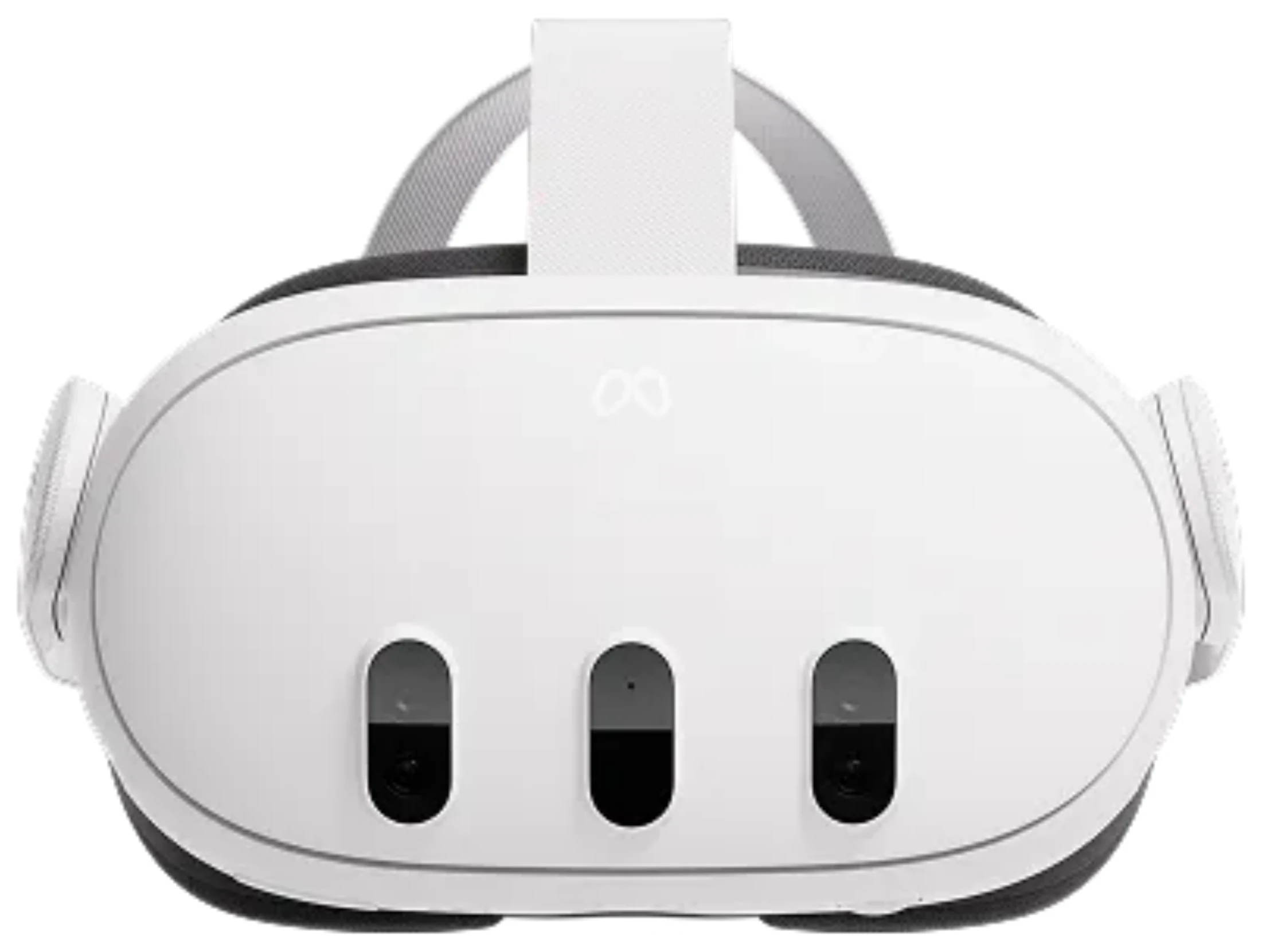
Altoura Frontline on Meta Quest brings guided procedures to a mixed reality headset. Operators follow steps with images, video, and 3D models placed in their space. Authors place and configure 3D content directly on the headset.
New to Frontline concepts like procedures, tasks, and steps? Start with Procedures, Tasks & Steps and Author vs. Operator.
Same App as HoloLens 2
The Meta Quest app uses the same screens, panels, menus, and 3D model controls as HoloLens 2. Once you have installed the app and learned the Quest inputs, follow the HoloLens 2 guides for everything else.
Install Altoura Frontline from the Meta Horizon Store and sign in.
Select, grab, and open menus with hand tracking or Touch controllers.
Find a procedure, anchor it with a QR code, and follow the steps. Uses the HoloLens 2 guide.
Enter Author Mode, place 3D models, and publish. Uses the HoloLens 2 guide.
Differences from HoloLens 2
| Feature | Meta Quest | HoloLens 2 |
|---|---|---|
| Procedures (Operator and Author Mode) | Supported | Supported |
| Install from | Meta Horizon Store | Microsoft Store |
| Input | Hand tracking or Touch controllers | Hand tracking and gaze |
| Voice commands | Not supported | Supported |
| Remote Expert | Not supported | Supported |
| AR experience | Passthrough mixed reality | Holographic overlays |
When a HoloLens 2 guide tells you to say a voice command, such as "Select" or "Follow me", use the matching control on screen instead. The Remote Expert pages do not apply to Meta Quest.
Next: Install & Sign In