Joining a Meeting
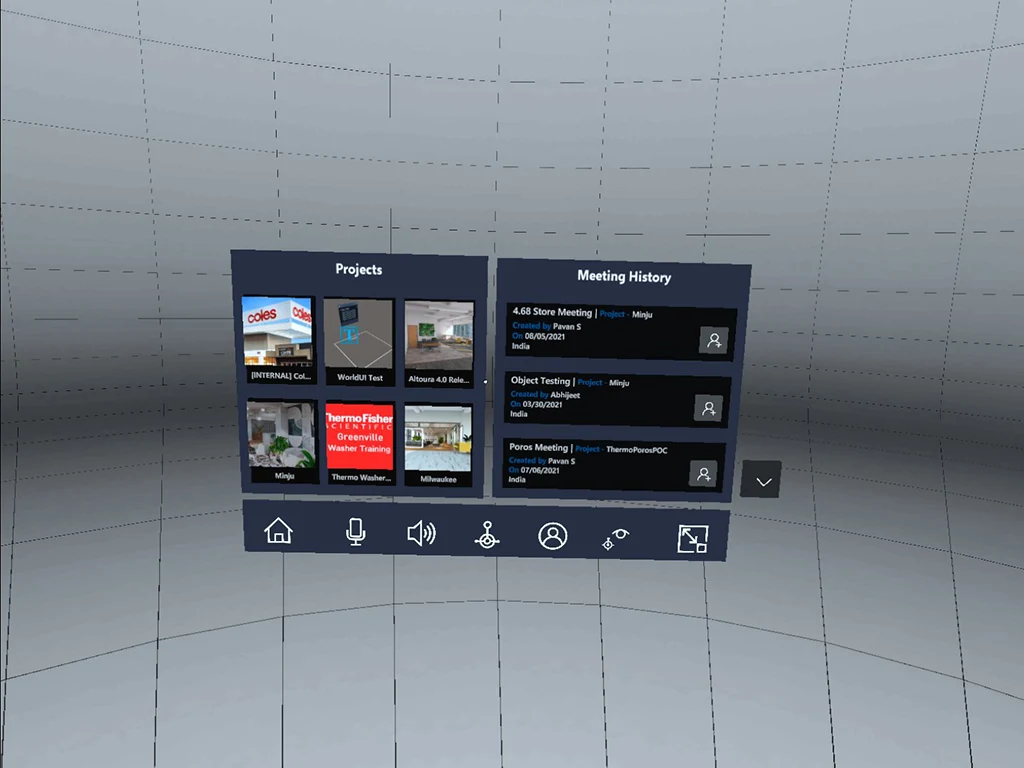
Meetings first need to be created or invitations sent through the Desktop or Mobile versions of Altoura. Once you have done either, the meeting will appear in the Meeting History of your HoloLens app. You can join a Meeting by tapping the Meeting Name.
Dollhouse and Teleporting
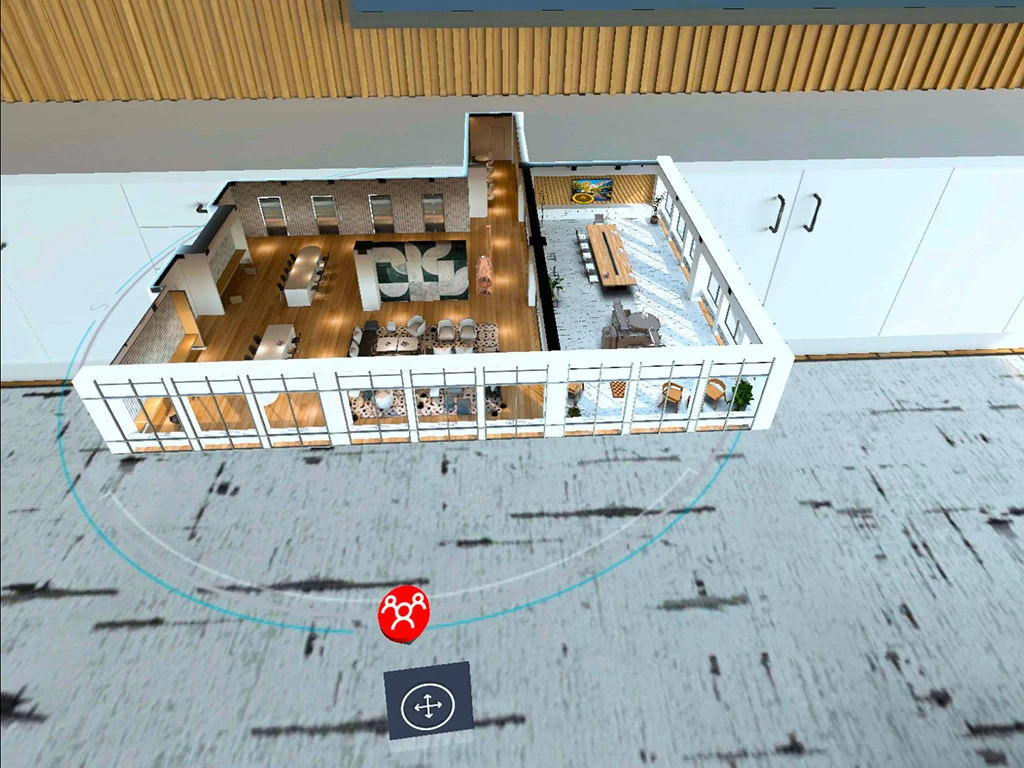
Dollhouse shows you the small version of the project model and current location of the user with user-disc.
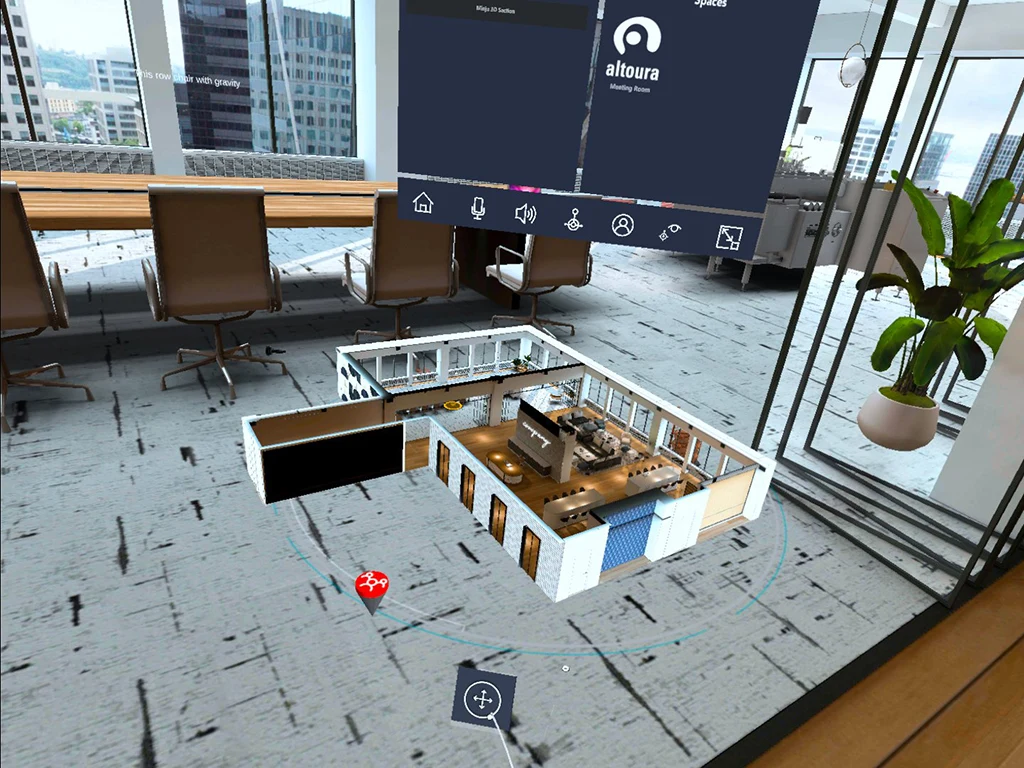
Tap anywhere on the doll house location to teleport to the tapped location.
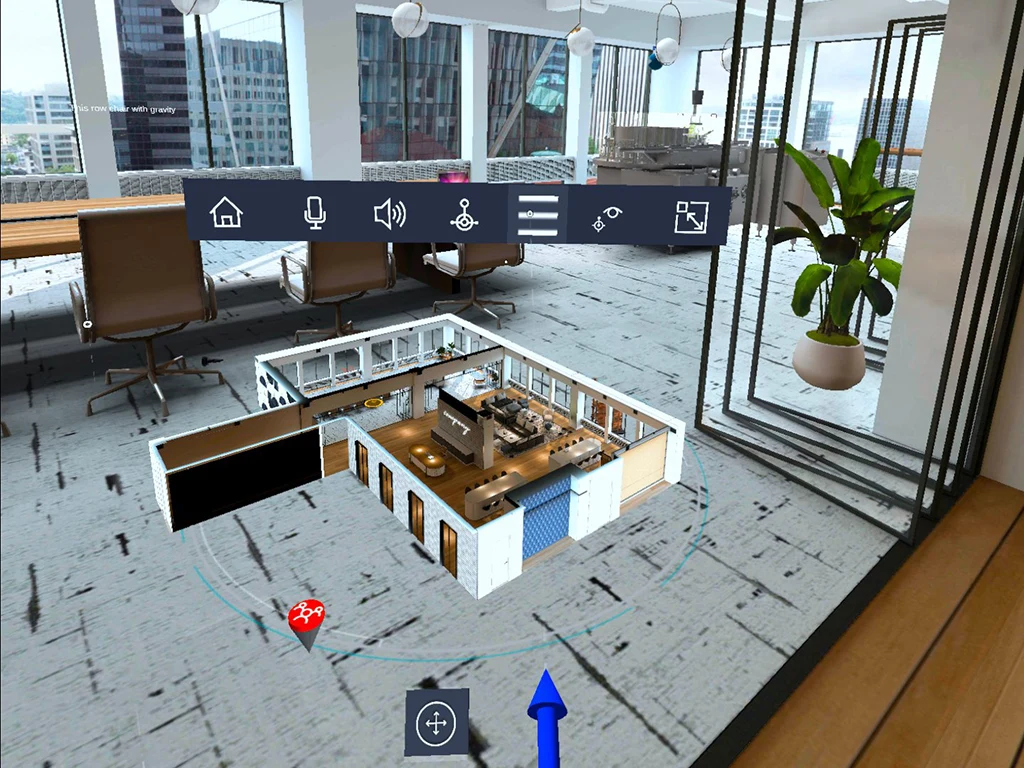
Move the Dollhouse by grabbing and dragging the blue move button.